Creative Compass


Jonathan Stanis Jonathan Stanis

B2B Video Marketing That Works: Turning Business Stories into Brand Trust

B2B video marketing isn’t just about selling—it’s about connecting. Learn how businesses use video to tell authentic stories that build trust, strengthen relationships, and humanize their brands.
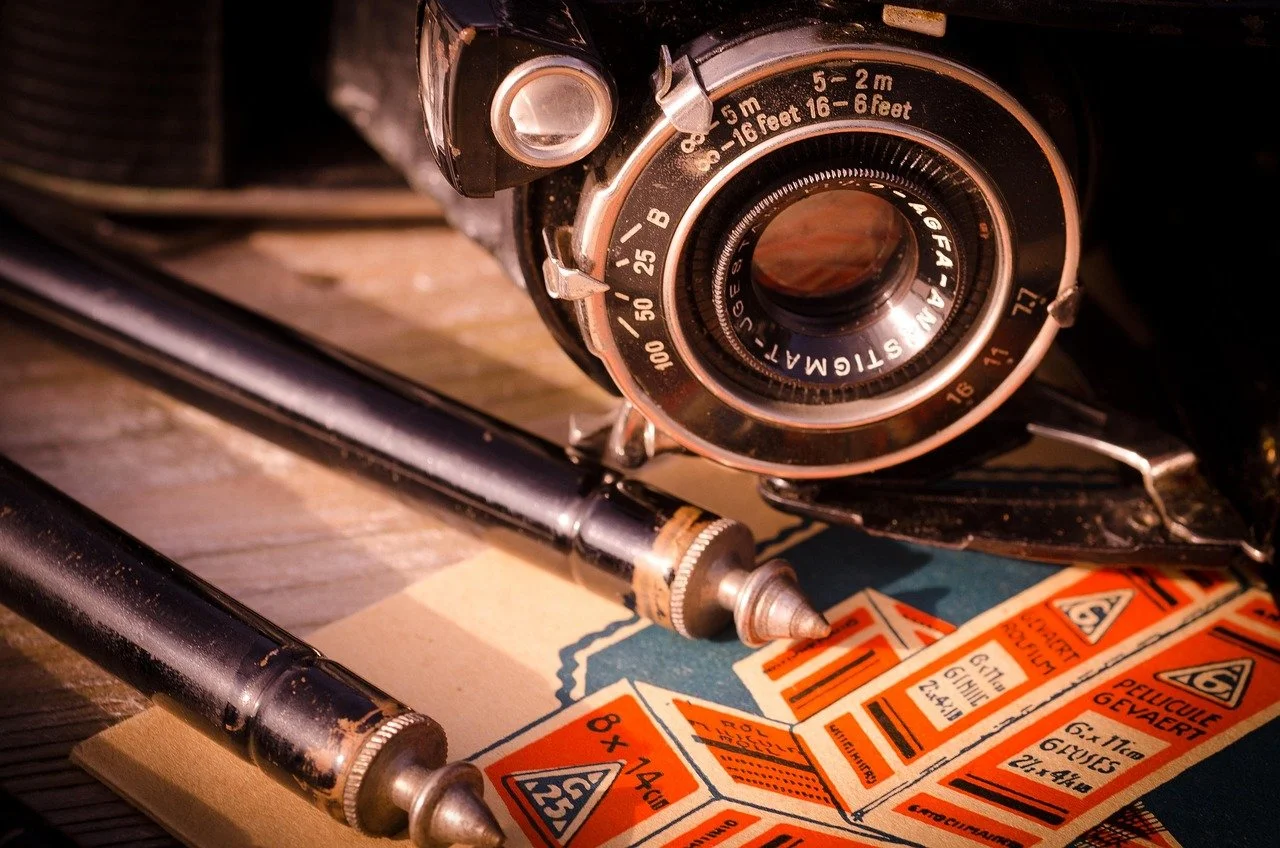
A camera sitting in front of a soon to be sunset on the ocean.

B2B marketers increasingly rely on video as a core storytelling tool—not simply to explain products, but to build credibility, trust, and long-term relationships. Over the past several years, video has moved from a supporting tactic to a foundational element of modern B2B marketing strategies.

Today’s buyers expect clarity, relevance, and authenticity. They want to understand not only what a product does, but who it’s for, how it fits into real-world workflows, and whether the people behind it are credible partners. Video is uniquely suited to meet those expectations because it combines information with human presence.

How Businesses Use Video to Build Relationships and Trust

In B2B marketing, trust sits at the center of conversion. Video allows brands to humanize their message by putting real people, real customers, and real expertise front and center. Unlike static content, video enables audiences to see and hear the individuals behind a brand, creating familiarity and emotional connection.

Trust grows faster when video feels approachable rather than performative, especially when teams embrace principles of DIY video marketing that emphasize clarity and authenticity over polish.

Customer testimonial and case study videos are particularly effective in this context. Hearing peers describe real challenges and outcomes builds confidence and social proof in ways written case studies often cannot. Video also supports trust by making complex offerings easier to understand, helping prospects feel informed rather than sold to.

The Rise of B2B Video Marketing (2020–2025)

Between 2020 and 2025, B2B video marketing experienced rapid and sustained growth. Video adoption became nearly universal as buyers increasingly expected video as part of the research and evaluation process. Most B2B organizations now use video across awareness, consideration, and decision stages.

Benchmarks frequently cited in industry research:

Several factors drove this shift. Remote and digital-first engagement accelerated reliance on video, while buyer preferences increasingly favored concise, visual explanations over long-form text. At the same time, production tools became more accessible, lowering barriers to entry while improving overall quality.

As video matured from an experiment into an expectation, the focus for B2B teams shifted. Instead of asking whether to use video, marketers now concentrate on how to use it effectively—optimizing for clarity, relevance, and distribution rather than sheer volume.

Types of B2B Videos That Are Most Effective

Liv working the camera while laying on the floor.

Different video formats serve different strategic purposes. The strongest B2B video programs use a mix of formats aligned to buyer needs and stages of the decision-making process.

Customer Testimonials and Case Studies

These videos provide social proof through real customer stories. They build credibility, demonstrate outcomes, and help prospects envision success with a solution.

Rather than treating testimonials as promotional soundbites, effective B2B videos frame them as narrative case studies—establishing context, outlining the challenge, and showing measurable impact. Thoughtful pacing and structure transform raw interviews into coherent stories that reinforce credibility and trust—one of the core reasons why professional video editing plays such a critical role in effective testimonials.

Explainer Videos

Explainers simplify complex products, services, or processes. They are especially effective early in the buyer journey, helping audiences quickly understand value and relevance.

Strong explainers prioritize clarity over complexity—one message, one audience, one next step. This same discipline underpins the creation of scroll-stopping video content, even when the goal is education rather than conversion.

Product Demos and Tutorials

Demonstration videos reduce uncertainty by showing how a product works in real-world scenarios. Tutorials also support customer success after purchase, reinforcing trust over time and reducing friction during onboarding and adoption.

Behind-the-Scenes and Culture Videos

These videos humanize organizations by showcasing teams, workflows, and values.

Behind-the-scenes content works best when it shows how work actually gets done—process, collaboration, and decision-making—rather than staged moments, similar to the approach used in connection-driven event videography. Content that captures real interactions tends to feel more credible and relatable, helping viewers understand not just what a company does, but how it operates.

Thought Leadership and Educational Content

Expert-led videos, webinars, and educational series position brands as trusted advisors.

Thought leadership performs best when it educates rather than sells. Videos that focus on sharing insight, clarifying trends, or explaining complex issues help establish long-term authority and trust, a concept closely tied to storytelling through visual design.

Distribution Channels and Engagement Metrics

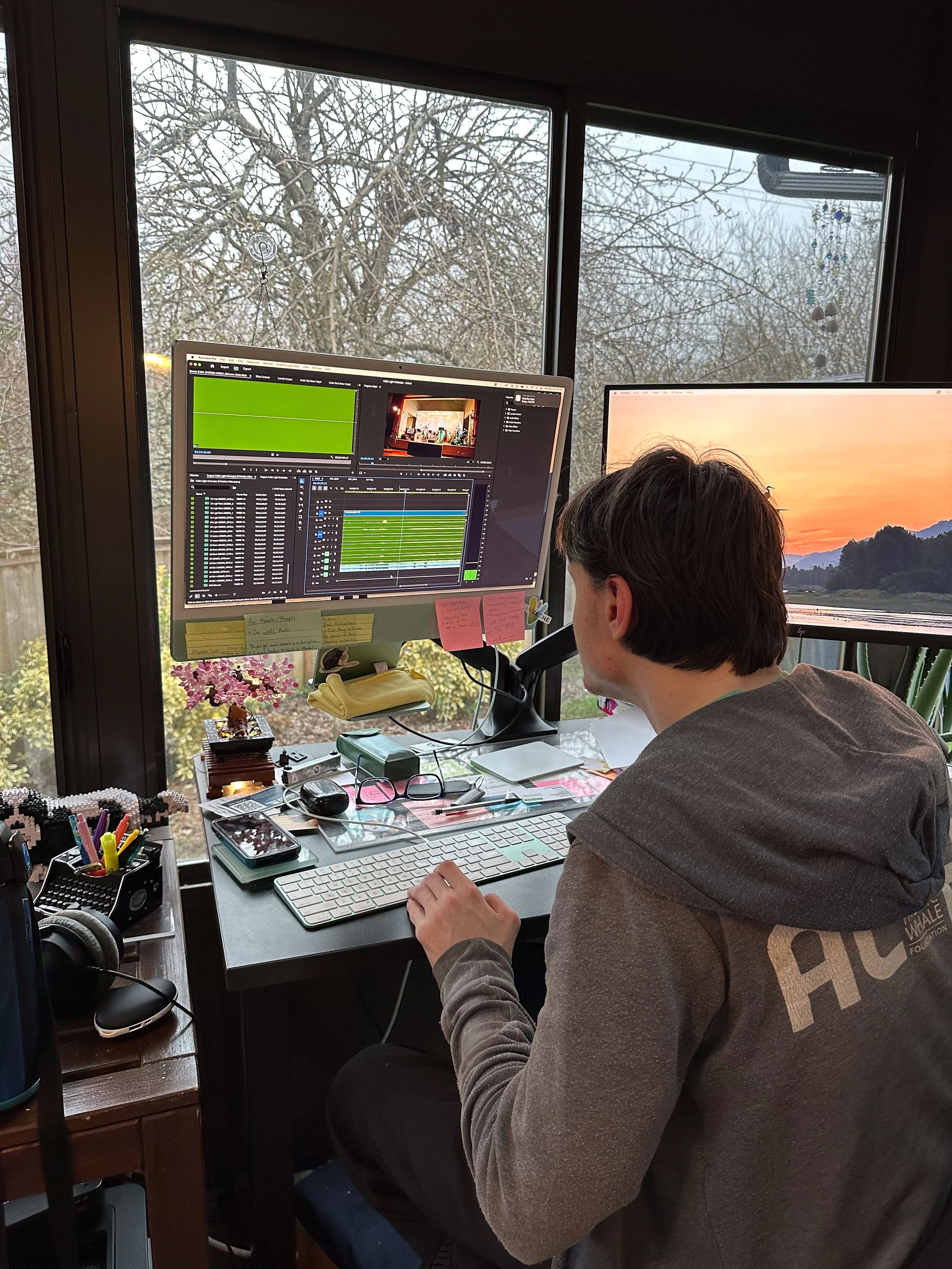
Taylor Editing at a computer.

Creating strong video content is only effective if it reaches the right audience. B2B marketers distribute video across a mix of owned, social, and direct channels, each serving a different role in the buyer journey.

Video performs best when distribution is considered from the start, applying the same thinking used when designing platform-specific video strategies. Knowing whether a video will first be seen on LinkedIn, YouTube, or a landing page should influence structure, length, framing, and captions. Platform-aware planning helps ensure content feels native rather than repurposed.

Measuring Engagement and Success

Key metrics vary by goal but commonly include:

  1. Views and watch time

  2. Engagement rate and completion percentage

  3. Click-throughs and call-to-action performance

  4. Leads generated and conversion impact

  5. Influence on pipeline and sales velocity

Research context (commonly cited):

  1. 88% of marketers report that video helps generate leads (Wyzowl).

  2. Landing pages with video can increase conversions by up to 80% in certain contexts (Unbounce).

  3. Video can substantially improve message retention compared with text-only formats (Insivia).

  4. 84% of people say a brand video convinced them to purchase (Wyzowl).

The most useful measurement goes beyond surface-level engagement. Strong B2B teams look at what viewers do next—whether a video clarifies decisions, reduces friction, or supports meaningful movement through the funnel.

Common Mistakes and How to Avoid Them

Despite its effectiveness, B2B video marketing often falls short due to avoidable missteps.

One of the most common issues is overcomplicating production while underinvesting in strategy. When workflows are inconsistent or goals are unclear, even high-quality footage can underperform. A more sustainable approach is to standardize processes and keep production decisions in service of the message, supported by repeatable systems like those outlined in a comprehensive video production toolkit and workflow.

Common pitfalls include:

  1. Trying to communicate too many messages in one video

  2. Producing overly generic or overly polished content

  3. Imitating competitors rather than differentiating

  4. Failing to define a specific audience or goal

  5. Omitting a clear call-to-action

  6. Neglecting distribution and promotion

  7. Ignoring performance data and feedback

How to avoid them:

  1. Focus each video on a single objective

  2. Prioritize clarity and relevance over perfection

  3. Develop stories rooted in real customer and team experiences

  4. Plan distribution alongside production

  5. Use analytics and feedback to continuously improve

Why Authenticity Drives Modern B2B Success

Authenticity is the defining factor behind effective B2B video marketing. Buyers are drawn to content that feels honest, helpful, and human—not scripted or sales-heavy. Research consistently shows that video influences trust and purchasing behavior when it reflects real people and real experiences (Wyzowl).

Whether through customer stories, expert insights, or behind-the-scenes perspectives, authentic video content positions brands as credible partners rather than vendors. As B2B marketing continues to evolve, organizations that prioritize storytelling, clarity, and trust will see the greatest long-term impact from their video strategies.

Related Creative Compass Posts

All of us from Stanis Creative!

Read More
Jonathan Stanis Jonathan Stanis

Edit to the Beat: Best Music Video Editing Software for Creators and Bands

Editing a music video is like conducting an orchestra. Here are the tools that help you sync rhythm, emotion, and visuals into one seamless story.
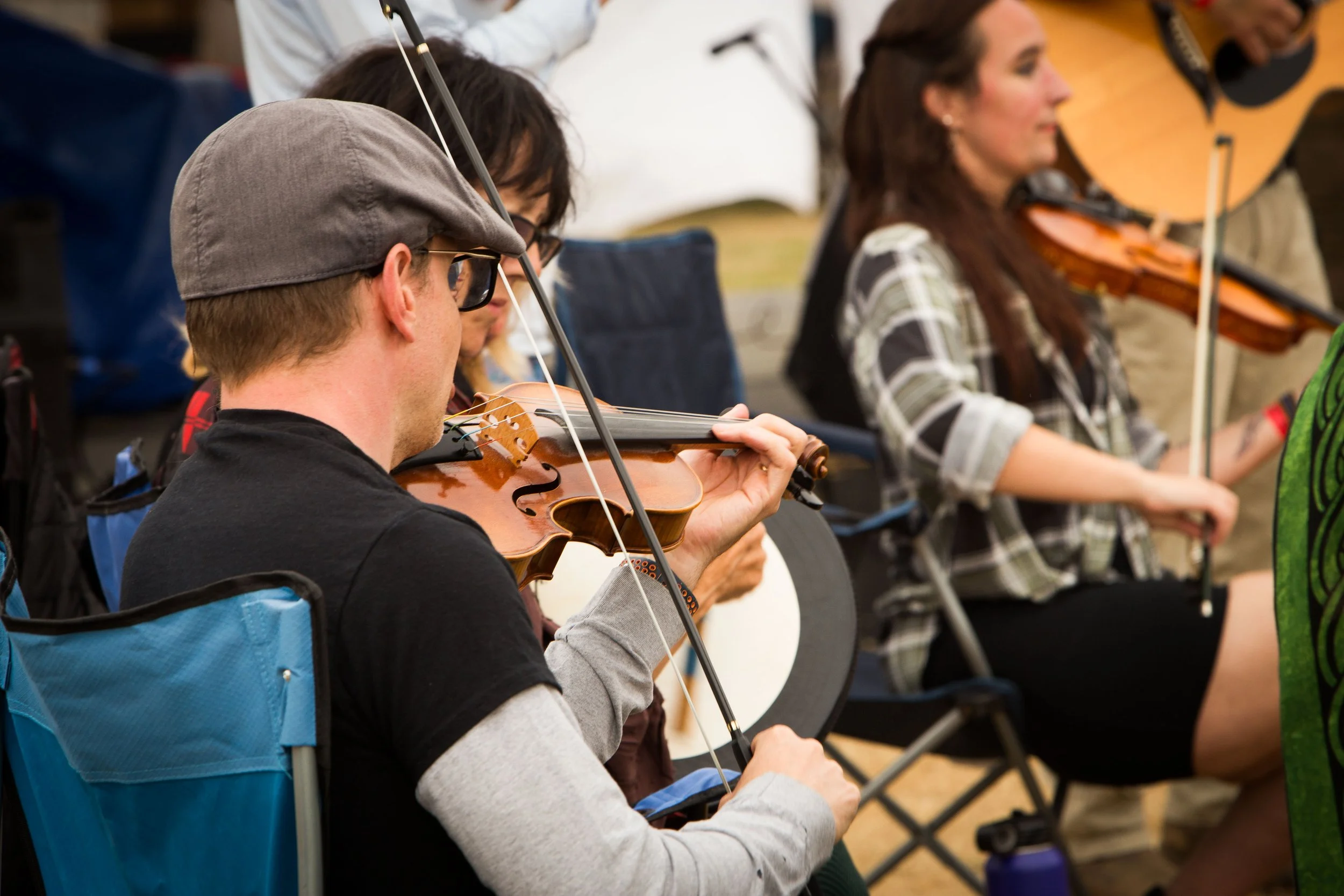
Jonathan playing on his violin.

Music videos live at the intersection between sound and image. Unlike narrative films, where visuals often lead and audio supports, music videos flip the hierarchy: the song is the center focus, and the edit must move with it. Great music video editing isn’t just about flashy cuts or heavy effects; it’s about rhythm. Pacing, timing, and sync are what turn a collection of shots into a visual performance.

Today, we’ll explore why rhythm matters so much in music video editing, what to look for in the right tools, which software excels at syncing and effects, and how to refine your workflow so your edits move in harmony with the music.

Why Pacing and Sync Matter

At its core, editing a music video is an act of interpretation. Every cut, transition, and visual beat responds to what the audience hears. When the pacing aligns with the song’s rhythm, the video feels effortless, almost inevitable. When it doesn’t, even the most beautiful shots can feel disconnected.

Pacing determines how energy flows through a video. Fast cuts can amplify intensity during a chorus or drop, while longer shots can let a verse breathe. Sync, meanwhile, is about precision. Cutting on the beat, matching movement to rhythm, or timing visual accents to musical hits creates a sense of cohesion that viewers may not consciously notice, but they definitely feel.

That said, perfect sync isn’t always the goal. Purposefully cutting off-beat can create tension, surprise, or emotional dissonance. The key is intention. Breaking rhythm works best when the editor understands the rhythm first.

Common mistakes often stem from ignoring the music’s structure. Overcutting during quiet sections, missing key transitions, or relying on effects instead of timing can all weaken the final piece. Strong music video edits respect the song’s internal logic and use visuals to reinforce it.

Top Software for Syncing, Effects, and Color Grading

Several tools have become staples in music video editing, each with its own strengths.

Adobe Premiere Pro is widely used for its flexibility and plugin support. Its audio tools, waveform visualization, and marker system make beat-based editing intuitive, especially when paired with third-party effects.

Final Cut Pro offers a magnetic timeline that can be surprisingly effective for rhythmic editing. Its performance optimization allows for smooth playback, which helps maintain editing flow.

DaVinci Resolve has become a powerhouse, combining editing, effects, and industry-leading color grading in one platform. For music videos that rely heavily on mood and visual tone, Resolve’s color tools are a major advantage.

After Effects isn’t an editor in the traditional sense, but it plays a critical role in music video production. Motion graphics, beat-driven animations, and synced visual effects often come to life here.

Some editors even prep tracks in Ableton Live or similar music software, creating beat maps or tempo references before importing them into their editing timeline. This hybrid approach can add another layer of rhythmic precision.

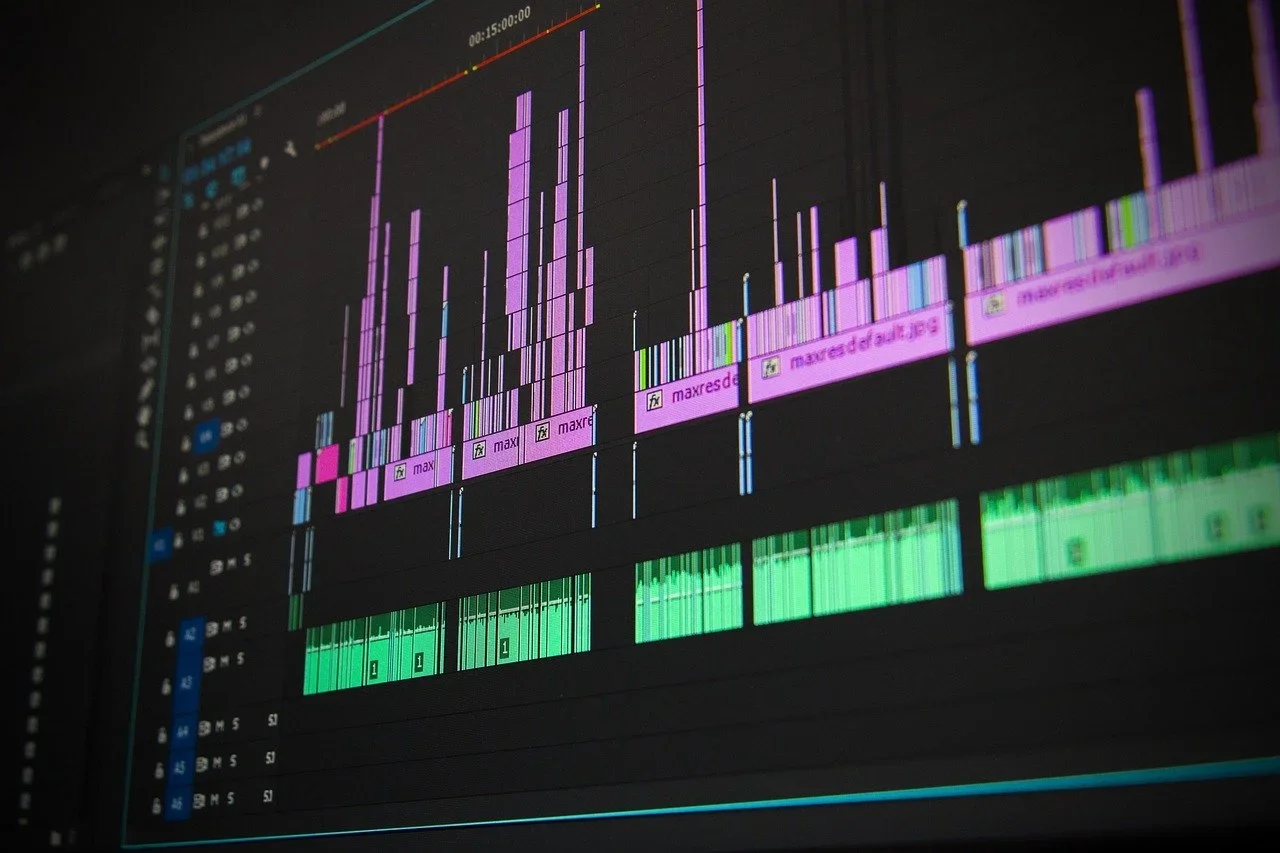
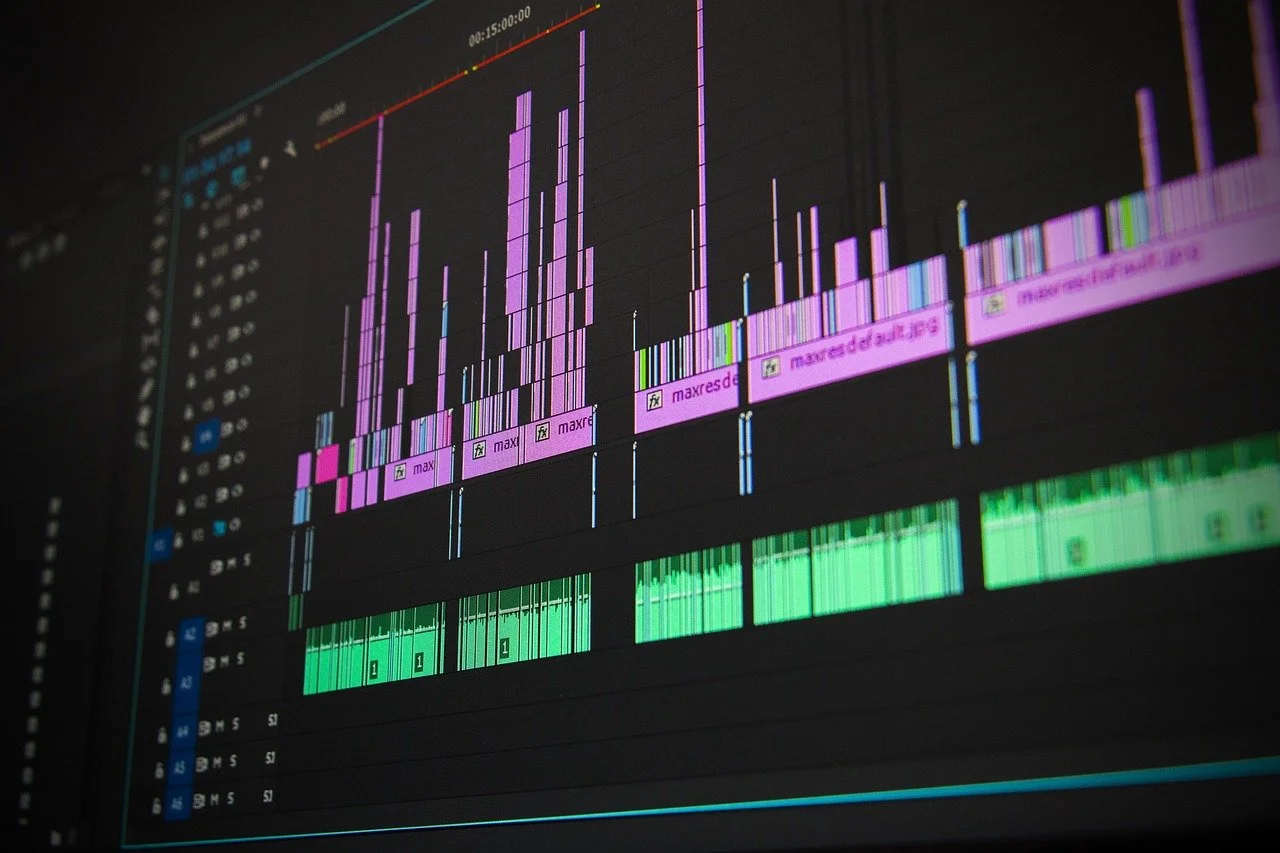
An example of the editing workspace in Premiere Pro.

Workflow Tips for Music Video Editors

A strong workflow helps translate musical rhythm into visual rhythm without getting lost in the details.

Start by breaking down the track. Identify tempo changes, verse-chorus transitions, drops, and accents. Many editors create a “rhythm map” using timeline markers before placing a single clip.

Edit in passes. First, build the structure roughly matching sections of the song to visuals. Next, refine pacing and sync. Finally, add effects, transitions, and color. This layered approach prevents you from overcommitting too early.

Markers, labels, and color-coding are invaluable. They turn your timeline into a visual representation of the song, making it easier to stay aligned with the music’s flow.

Perhaps most importantly, know when to simplify. Not every beat needs a cut, and not every section needs effects. Sometimes the strongest editorial choice is to let the music lead and trust the footage.

Matching the Tools to Your Creative Rhythm

There’s no single “best” tool for editing music videos, only the one that fits your creative rhythm. The right software should feel invisible, allowing you to respond instinctively to the music rather than fight the interface.

As you gain experience, you’ll develop a personal editing cadence: how you approach beats, how you build momentum, and how you break rhythm when it serves the story. Tools can support that process, but they can’t replace intuition.

In the end, great music video editing is less about technology and more about listening. When your cuts move with the song, and your tools move with you, the result feels alive.

Read More
Jonathan Stanis Jonathan Stanis

Video Resolutions Explained: 720p vs. 1080p vs. 4K — What You Really Need to Know.

1080p or 4K? Understanding video resolution helps you balance quality, performance, and storage. Here’s what every creator should know.
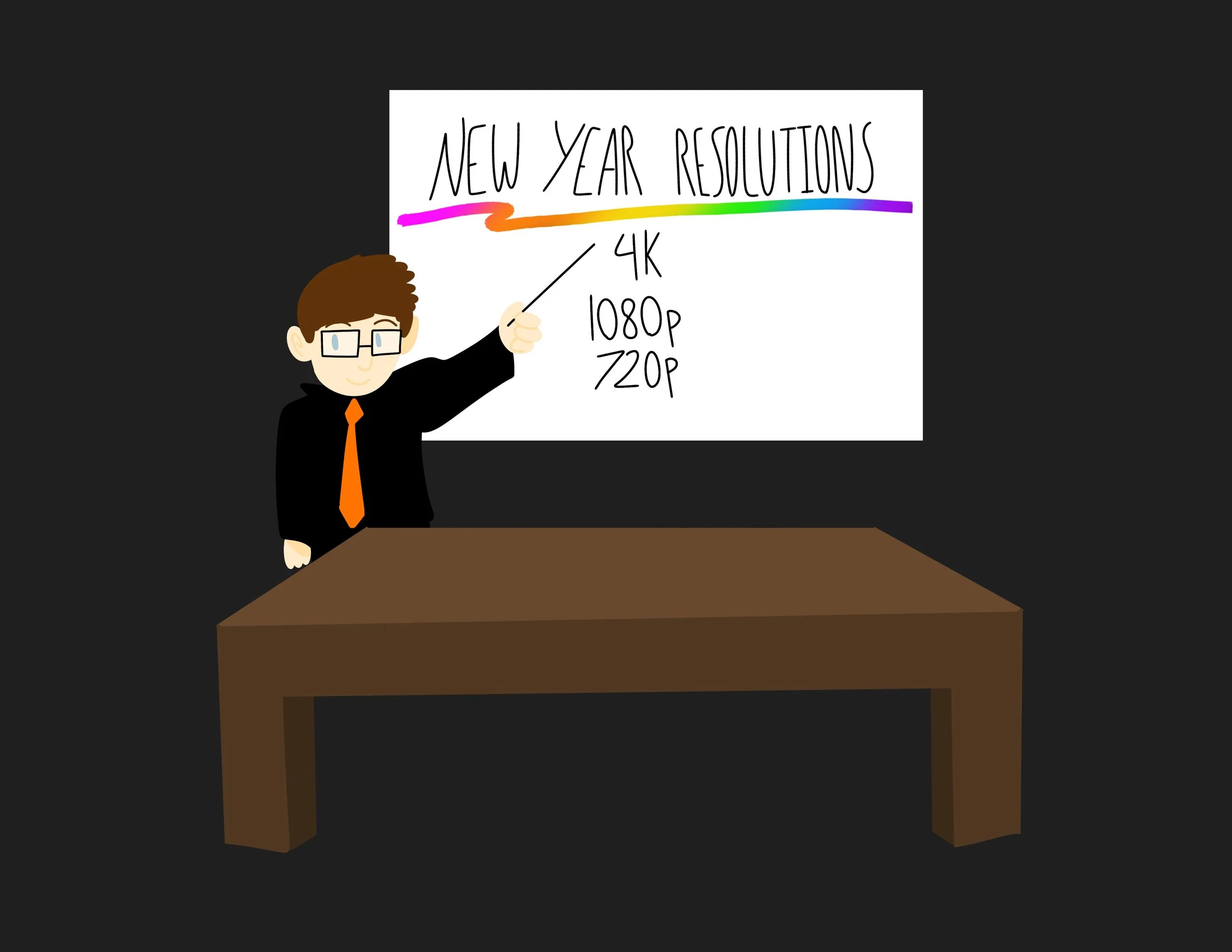
Handdrawn illustration of a man pointing to a white board that says "New Year Resolutions" then lists "4K, 1080p, 720p".

What is resolution

Think of the screen that you are viewing this on as a painting. A painting made of millions of tiny dots, called pixels. It's like a pointillist painting. Each dot is composed of varying amounts of the three primary colors: red, green, and blue. They are different from what most artists consider to be the primary colors of yellow, red, and blue, because of how light combines to create colors on your screen.

To make your screen look so sharp, with smooth lines for the curves of letters and photos, you need to use A LOT of pixels. If you zoomed in close enough, those smooth curves would reveal jagged edges, like a serrated knife or stair steps. But because there are so many and they are so very tiny, they look nice and small. Those of us who are old enough to remember the early days of computers can visualize what we call "the jaggies". Some of us even pine for the way that looks, going out of our way to find pixel art and play pixelated video games that recreate that aesthetic.

Image with 4K resolution highlighted in red (whole canvas), 1080p highlighted in orange (middle third of the bottom half) and 720p highlighted in yellow (a little more than half of the 1080p).

Relative sizes of a photo in 3 different resolutions.

Resolution Sizes

Earlier computers had very low resolution. The Apple II came with a "high res" mode of a whole 280 × 192 pixels. The Macintosh with the first graphical user interface debuted in 1984 with a resolution of 512 × 384 pixels. These resolutions emerged on computers and video game consoles throughout the 1990s, though the CRTs used with them lacked built-in resolution due to their analog nature.

Then came the HD revolution.

720p - The original HD

TVs went from thick tubes to thin LCD panels. Viewers became enraptured by blades of grass on a football field. Some of us signed up for the short-lived Voom to get as much HD as we could. The default TV aspect ratio shifted from 4:3 to 16:9, closer to cinema ratios of 1.85:1 and 2.39:1.

The first widely adopted "HD" resolution was 720p, meaning 1280 pixels wide by 720 pixels tall. The p stands for progressive, rather than interlaced. An interlaced image draws a picture in two passes, interlacing them, while a progressive image draws the frame in a single pass. Progressive has a better image quality, while interlaced requires less bandwidth.

1080p - Full HD

Shortly after 720p came 1080p (and 1080i). 1080 again refers to the number of vertical pixels. A 16:9 1080p screen has a resolution of 1920x1080 pixels. It was marketed as Full HD, offering a significant improvement over 720p screens.

4K - 4x 1080

The era of 4K began in 2013 as prices for even higher-resolution displays fell, though many TVs are still sold at 1080p. 4K is confusing, as the 4K, or 4,000, refers to the horizontal, not vertical, resolution of a display. Also, it is not actually 4K, but rather 3840 pixels wide by 2160 pixels tall. It is important to note that it is exactly 4X the resolution of 1080p.

Horizontal vs Vertical Video

Image of a camera person with the whole canvas showing 4K (3840 by 2160 pixels) resolution slightly opaque and a social media crop of that photo with no opacity. The crop cuts out approximately 3/4s of the 4K image.

This is how your 4K image will look on a vertical social media crop at 1080p.

With the rise of smartphones came vertical video. Cinema has traditionally been horizontal, as we have two horizontally positioned eyes. We see in a horizontal aspect ratio. However, resolutions are dictated by many things, particularly the device displaying them. While you can hold your phone horizontally, most users scroll through modern social apps in a vertical orientation. This means that if you want your content to be primarily viewed on a mobile device, it is best to shoot and/or render your video in a vertical aspect ratio.

Picking a Resolution to shoot at.

So what's a content creator to do? Well, as in all things in life, it depends.

The standard ratio for vertical video is 1080x1920 pixels. This means you can shoot horizontally at 4K and still have enough resolution to crop to a full 1080x1920. You need to be careful, however, as you could miss parts of what you are trying to capture in a frame if you crop in on a horizontal video, leading to a lot of "Pan and Scan". This is a term from when movies were cropped from their original wide aspect ratios to fit TV. Studios would crop to a TV's 4:3 aspect ratio and pan around the frame to capture the action. Instead of seeing two characters on a single frame having a conversation, you would instead get jumps between the characters. This would impact the cinematography and mood of a shot.

Another thing to consider is your storage capacity. 4K requires far higher aspect ratios, and that's before one gets into frame rates and compression (but that's another post). 4K is four times as many pixels as 1080p, so it will require four times the storage. You need to decide whether you need the extra quality or if 1080p will be enough.

At Stanis Creative, we shoot 4K horizontal on mobile devices. This gives us the flexibility to crop our footage to vertical and combine it with our mirrorless camera footage, which is also 4K and horizontal. We also have high-capacity SD cards for storing the data and take drives on site so we can immediately back up our footage and photos.

Tell us what resolution you are shooting at and why in the comments.

Read More
Juliann Stanis Juliann Stanis

Ringing in the New Year with Creativity, Reflection, and Momentum

Stanis Creative welcomes the new year with reflection and optimism, celebrating the moment with a thoughtfully crafted video countdown designed to bring people together at midnight.
10 Second Countdown and New Year Message from Stanis Creative.

As the calendar turns and a new year begins, all of us at Stanis Creative are taking a moment to pause, reflect, and look ahead. The transition into a new year is both a closing and an opening. A chance to honor what has carried us through the past months while welcoming what is still to come.

To mark the moment, we created a video countdown designed to carry viewers all the way to midnight. The countdown was conceived as a shared experience; something to watch, anticipate, and celebrate together, whether surrounded by others or welcoming the new year quietly. Built with intention and care, the video reflects our belief that even simple moments can feel meaningful when thoughtfully crafted.

The start of a new year holds different significance for everyone. We hope that this moment meets you where you are. It offers a sense of possibility without pressure and forward movement without urgency.

Looking ahead, we are excited to continue exploring creative challenges, telling meaningful stories, and collaborating with people and organizations who value thoughtful, inclusive work. The coming year offers new opportunities to experiment, learn, and build experiences that connect with audiences in authentic ways.

Our artistic signature: Signed with ink, yarn, and pixels, Stanis Creative.

As the countdown reaches zero and the new year begins, we extend our sincere wishes for a year filled with creativity, steadiness, growth, and moments that matter—whatever that looks like for you.

Read More
Juliann Stanis Juliann Stanis

Happy Holidays from Stanis Creative

As the year comes to a close, Stanis Creative shares an inclusive holiday message of gratitude, reflection, and well wishes for a season filled with connection, rest, and possibility.
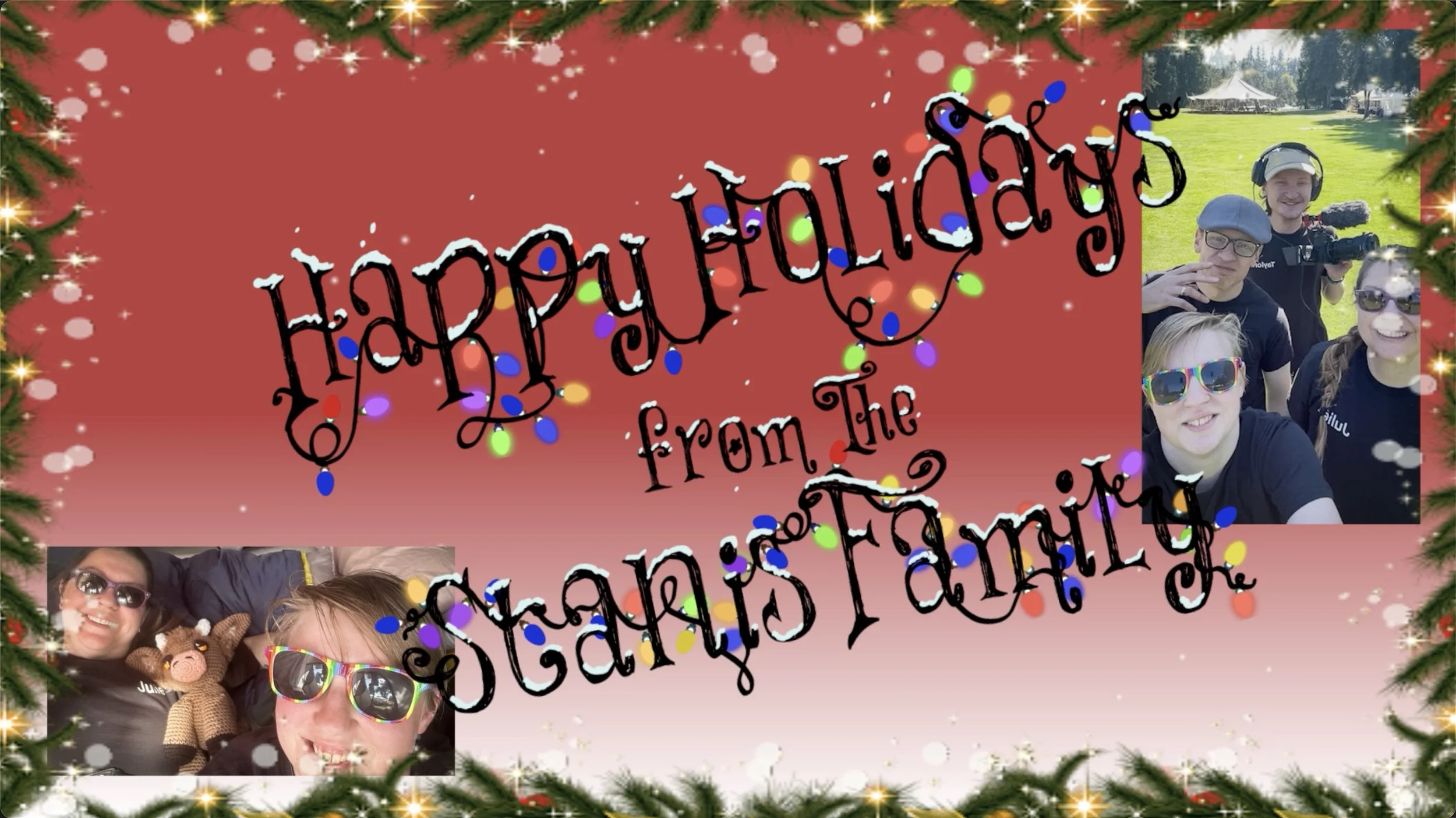
Card stating Happy Holidys from the Stanis Family. It features various photos of our family from this year.

As the year draws to a close, all of us at Stanis Creative would like to extend our warmest wishes to our community, collaborators, clients, and friends. This season offers an opportunity to pause, reflect, and appreciate the many ways people around the world mark moments of connection, generosity, and renewal.

We recognize that the end of the year holds different meanings for different people. Some celebrate religious or cultural holidays, some observe seasonal traditions, and others simply welcome a quieter moment to rest and reset. Our hope is that this time brings you whatever feels most restorative: joy, reflection, creativity, togetherness, or calm.

This year has been one of exploration, problem-solving, and collaboration for our team. We have been grateful for the chance to tell stories, build meaningful experiences, and create work that reflects care, curiosity, and intention. Whether through large-scale creative projects, thoughtful design, or shared moments of making, we are continually inspired by the people we work with and the communities we serve.

As we look ahead to the new year, we do so with gratitude and optimism. We remain committed to inclusive storytelling, creative experimentation, and thoughtful partnerships that honor diverse perspectives and experiences.

Image of our Stanis Creative signature which says "Signed with ink (inked in), yarn (writen in colorful string), and pixels (pixelized), Stanis Creative.

From our studio to wherever you may be, we wish you a peaceful and fulfilling season, and a new year filled with possibility.

Read More
Juliann Stanis Juliann Stanis

A Multidimensional Holiday Tribute Inspired by The Muppet Christmas Carol

Inspired by The Muppet Christmas Carol, this large-scale holiday project combines hand-painted illustration with three-dimensional elements to bring beloved characters and scenes to life in a festive, immersive installation.

Short video of the display.

© Disney - This is the photo that sparked our inspiration. It is also used as the title art of the film.

An image of our intitial paint strokes over the penciled sketch of the illustration.

This holiday season, our creative team took on a passion project inspired by The Muppet Christmas Carol—a film that blends warmth, humor, and timeless storytelling. Rather than creating a traditional flat illustration, we challenged ourselves to build a large-scale, multidimensional scene that captured both the spirit of the film and the joy of hands-on making.

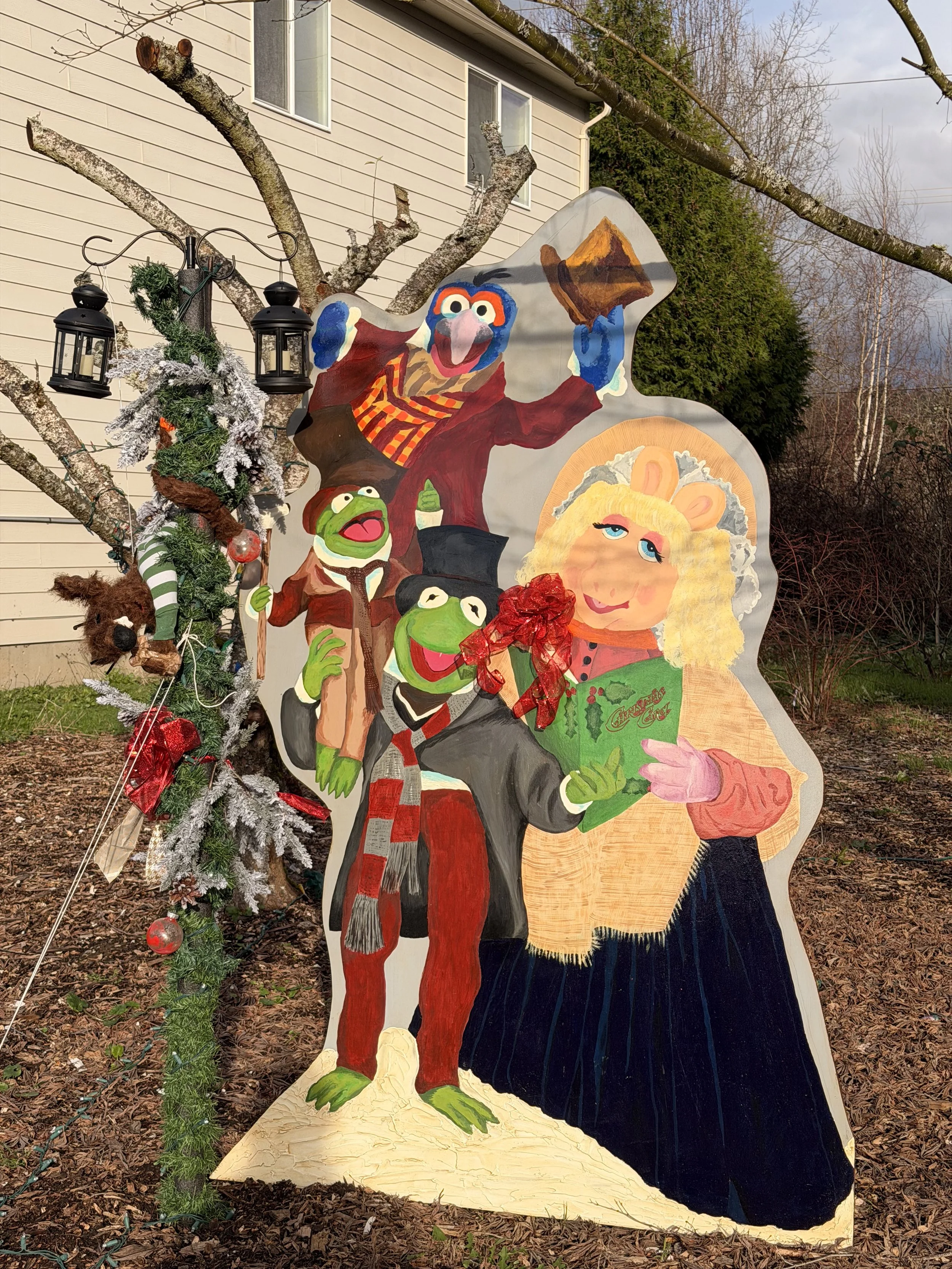
The centerpiece of the project is a hand-painted wood panel measuring four by six feet. Across this surface, we illustrated several of our favorite characters and moments from the film. Miss Piggy, Kermit, Gonzo, and Robin the Frog are depicted in their iconic roles as Mrs. Cratchit, Bob Cratchit, Charles Dickens, and Tiny Tim, respectively. Each character was painted with careful attention to expression, costume detail, and narrative placement within the scene.

Jonathan standing next to the board for size comparision. This was truly a collaboration of everyone’s talents.

To elevate the piece beyond a traditional mural, we incorporated physical, three-dimensional elements. Miss Piggy is adorned with an actual holiday bow, adding texture and depth. A Victorian-style lamppost anchors the scene and is decorated with festive greenery. From this lamppost hang candlelit lanterns, along with an animated, sculptural recreation of Rizzo the Rat—his tail humorously “lit” as he tumbles downward, frozen mid-fall with a look of complete shock at his predicament.

The process of creating this installation was as rewarding as the final result. It required experimentation, problem-solving, and collaboration across painting, construction, and lighting techniques. While there are certainly refinements we would like to explore in future iterations, this project succeeded in what it set out to do: provide a joyful, creative challenge and a shared experience rooted in storytelling and craftsmanship.

The wind and rain gave us some trouble, but with enough reinforcements, we did succeed!

As a holiday project, it reminded us why we love making things together; testing ideas, pushing formats, and turning inspiration into something tangible.

This project took the whole crew to make. Jonathan gathered the supplies and made a wooden frame for the painting to stand on. Liv and Julie painted it over the course of a whole week, and Ava and Taylor set up the lamppost!

Rizzo the rat (hanging from the lamp post) was a combined effort of everyone in the group. It was a lot of fun molding plastic, cutting out fur and fabric, and setting his tail alight.

This is the first year we have put something like this together, and it’s one of our best projects yet!

We love watching this classic film every year on Christmas Eve when there is only one more sleep ‘til Christmas! There is so much in this film to inspire!

Read More
Taylor Taylor

The Ultimate Video Production Toolkit: Software, Gear, and Creative Must-Haves

From pre-production to editing, the right tools make video creation smoother and more creative. Here are our top picks for every stage of the process.

A camera taking a time lape of a sunset on the Oregon Coast.

The Creation process for filming videos is a wild landscape to try and walk through, and every type of filming has a different way of doing things, from YouTube to short content to feature films. Each one is very different in the way it is produced and shot. Along with that, every studio, company, and creator has their own tools and ways of filming their content. Here we will go through a few ways to make videos and dive a little bit into the creation process, types of gear, software, and philosophy of how we at Stanis Creative use to make our videos.

As with most video creation, you need to start with a plan. You could just have an idea and hit record; it’s a completely valid way of doing things, but if you want to upgrade your production quality, you’ll need a plan. That is what Pre-production is for.

Pre-Production

In pre-production, you’ll be adapting a script for the screen, storyboarding the shots that you want, casting any characters in your film, building any sets, scheduling everything, and a whole lot more as you get more and more professional.

There are many ways to write a script and create storyboards, such as using Google Docs, Pages, or simply writing on paper. StudioBinder and Final Draft are good resources to help you format your screenplay more easily.

You can really use any program to storyboard as long as you can identify what you want from each shot. PowerPoint, Keynote, the notes app, Canva. All work fine for storyboarding. At Stanis Creative, we like to use Procreate as Liv is experienced in using it on their iPad.

Production

You’re not going to get that beautiful bocah around those dewy eyes with your smartphone.

There are many different cameras and gear to choose from, so many that you might not know where to start. We started with the most essential, the camera. Starting out, there is nothing wrong with using your smartphone. Apple uses its phone cameras for commercials and full movie production, but you may want to move on to dedicated camera equipment to give you more control, quality, and features. When thinking about cameras, it’s good to think about buying into a specific camera system (e.g., Canon, Black Magic, Nikon) as each system has its own system of cameras and lenses. While body technology changes, glass (lenses) can remain solid for much longer. We went with Canon because we have decades of experience using Canon Cameras, starting from the original Digital Rebel DSLR, and still use lense we bought from then.

For other types of gear, we would recommend getting some sort of stabilizing system for clean, stable, and professional shots. For fixed shots you are going to need a tripod. When you want to get into camera motion there are many types of stabilizing systems, such as gimbals and steadicams. These reduce bounce and shake so you don’t make your audience queezy, as well as add a level of quality.

Pro Tip: When using a handheld gimbal camera while walking around, hold the camera in your hands by the handle, and not connected to any other part of your body. The gimbal can only handle a certain amount of wobble from your movement, and your arms will work as a shock absorber for the gimbal, giving it a smoother motion. The footage will look like you are floating through space as you walk.

Post Production

Animaiton and video editing in the Stanis Creative studio

For post-production, there are many editing and visual effects tools; we use Premiere Pro to edit our videos. We are most comfortable with the software, and it is a good program with lots of useful tools to make editing easier, though it is pretty pricey. Davinchi Resolve is a great free alternative with good editing capabilities and even more color grading software, allowing you to adjust the color and look of shots to your liking. And if you are an Apple user, Final Cut Pro is a great software as well.

In the end, there are endless possibilities when it comes to making videos, from the process to the gear used to the editing software the film is cut with. We’ve provided and will continue to give you insight into our process and equipment. You have to find the ones that work for you to tell great stories.

Read More
Liv Liv

DIY Video Marketing: How to Create Great Videos on a Budget

You don’t need a big budget to make an impact. DIY video marketing lets small businesses create meaningful, authentic content with tools they already have.

You Don’t Need a Big Budget to Make an Impact

Making good video on a budget can be really tricky—but it is not impossible! Every day, creators are finding new ways to get the most out of affordable technology, proving that creativity matters more than expensive gear. DIY video marketing empowers small businesses, artists, and entrepreneurs to tell meaningful stories using tools they likely already have.

Whether you’re filming product demos, behind-the-scenes content, or social media videos, the goal isn’t perfection. It's connection. Here’s how to create videos that look polished, feel authentic, and work within a limited budget.


Why DIY Video Marketing Works

DIY video marketing is about being resourceful. Audiences today value authenticity over the same corporate sanitization. A well-lit smartphone video that feels honest and informative often outperforms a highly produced video that feels distant, unrelatable, or overly scripted.

For small businesses and creators, DIY video allows you to stay consistent without outsourcing every project, respond quickly to trends or announcements, and shows the real people behind the brand. The result is content that feels human, and that helps a video feel trustworthy and approachable.


Basic Gear Setup: What You Actually Need

You don’t need a studio full of equipment to make compelling videos. Focus on the three essentials: camera, lighting, and sound.

Smartphone Optimization

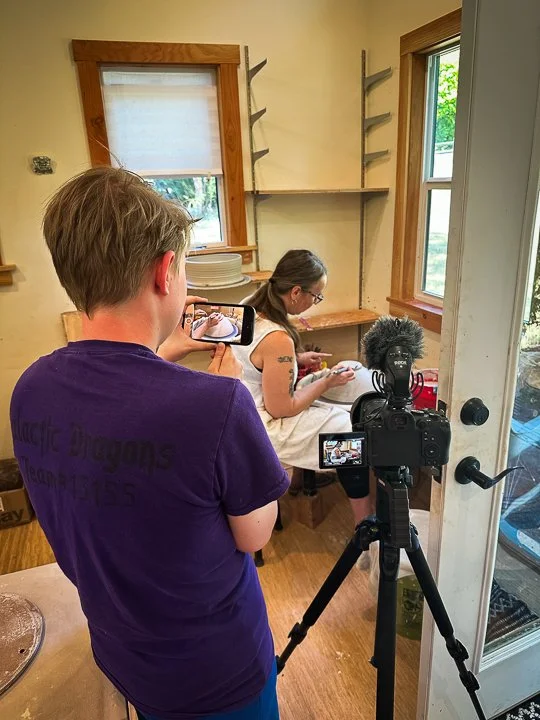
Julie recording with a vender stand behind her.

Modern smartphones are powerful video tools. To get good results:

  • Clean your lens before filming. Any dust on the lens could smudge the image.


  • Use the rear camera when possible. The rear lens is bigger, and will be able to capture more details. Often they have more settings to customize the experience to the user's liking.


  • Lock exposure and focus. After tweaking the focus, make sure to lock them in the best you can. Video can be very distracting if it goes in and out of focus.


  • Film vertically if posting to social media like Instagram and horizontally for YouTube or websites. The standard film ratio is 16:9 (Horizontal) or 9:16 (Vertical).


  • A simple phone tripod or clamp can dramatically improve stability and professionalism.

Lighting on a Budget

Lighting matters, it sets the tone and improves the visual quality of your shot.

  • Natural light is a great place to start on a budget. Film near a window or well lit room.


  • Face the light source rather than standing in front of it. The purpose is to light up your subject, not to blind the viewer. Try to avoid harsh overhead lighting when possible, however.


  • Ring lights or LED panels can fill shadows and add consistency. They are affordable, and popular with social media content creators.


Clear, Affordable Audio

Audio may be the most important part of video. If a video doesn’t sound good, it doesn’t matter what’s being shown- viewers will be turned away from it. 

  • Use wired lavalier microphones. They can be found fairly cheap, and are good entry point microphones for those with limited budget.


  • Record in quiet spaces with minimal echo. Do a sound check to see how the audio was affected by the surroundings.


  • Soft furnishings help reduce reverb. Many creators use sound foam on their walls to reduce the impact of reverberations, but furniture can also work to reduce unwanted noise.


Good sound instantly elevates DIY videos, and will keep viewers attention better than a video with bad audio. 

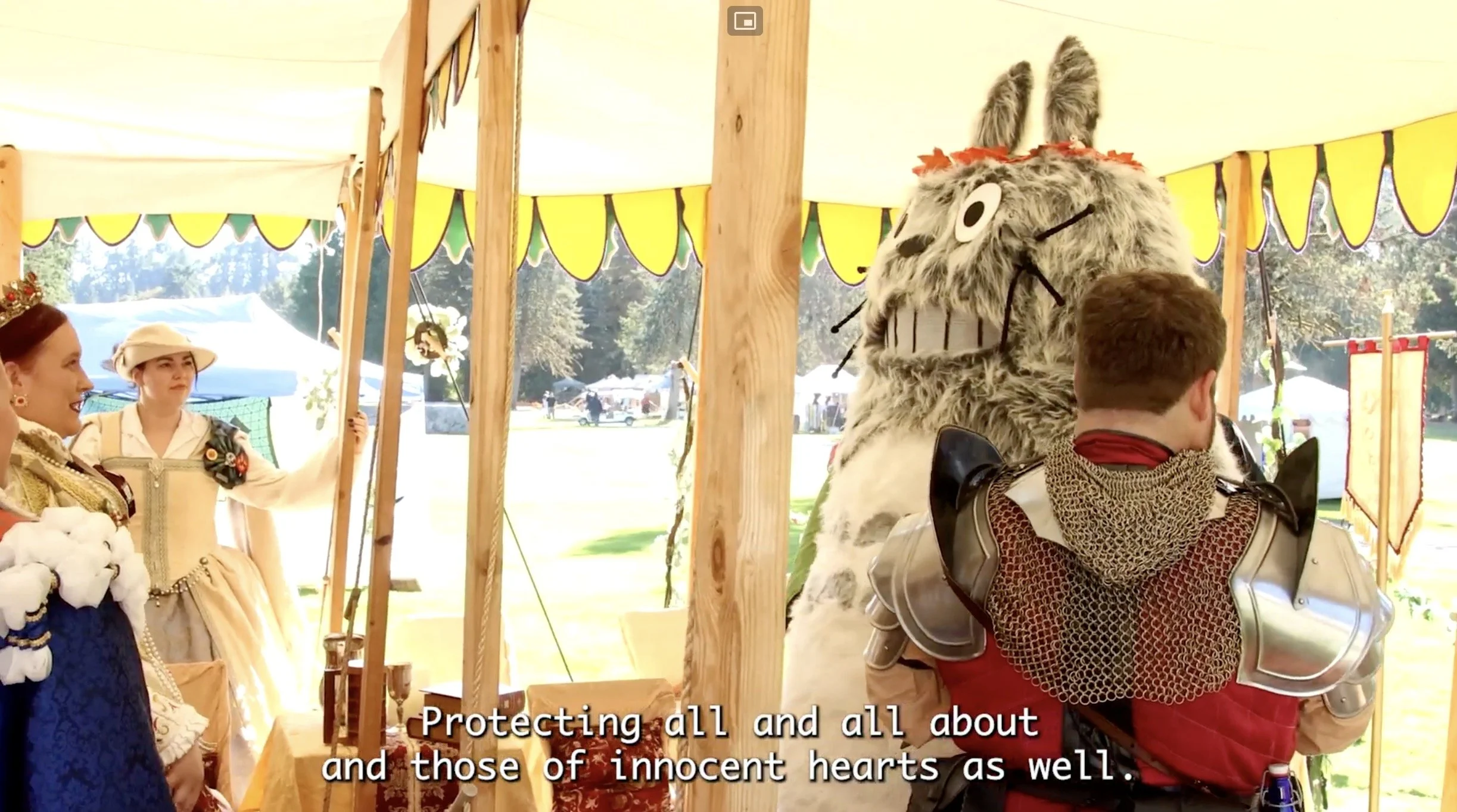
Liv looking at a Gilded Thistle member puting on armor.

Free or Affordable Editing Tools

Editing doesn’t have to be expensive or complicated. Many creators rely on:

  • DaVinci Resolve (Free): Powerful editing and color grading tools.


  • CapCut: Excellent for social media videos and captions.


  • iMovie: Simple, effective, and beginner-friendly. (IOS Only)


Focus on clean cuts, readable text, and consistent branding. Over-editing often hurts more than it helps. The last thing you want to do is confuse the audience.


Tips for Scripting 

Keep Scripts Simple

You don’t need to memorize lines. Instead:

  • Write bullet points, not full scripts. It’s not easy to read from a script and keep a level of authenticity. To start out, using bullet points will be easier.


  • Focus on one idea per video. It helps to start out simple.


  • Have a strong hook in the first 2–3 seconds. Something to catch the viewers attention will keep them engaged.


You Don’t Need a Studio—Just Creativity and Consistency

DIY video marketing proves that compelling content isn’t about budgets. It’s about clarity and consistency. When you show up regularly, tell stories with intention, and improve a little with each video, your audience notices.

Start with what you have, learn as you go, and refine over time.

You don’t need a studio.

You don’t need expensive gear.

You just need creativity, and the commitment to keep going.


Read More
Juliann Stanis Juliann Stanis

From Raw Footage to Masterpiece: What Professional Video Editing Services Really Do

Video editing is more than trimming clips—it’s storytelling. Professional editing services bring your raw footage to life with polish, rhythm, and emotion.

Editing a video in Premiere Pro.

Professional video editing is far more than trimming clips or adding transitions. It is a structured, creative process that shapes raw footage into a cohesive, engaging narrative. Whether the goal is a music video, a brand promo, a corporate piece, or a social-ready clip, editing determines how the story is told and how effectively it resonates with an audience.

What “Video Editing Services” Really Mean

Video editing services encompass the full post-production workflow needed to convert unpolished footage into a finished product. These services support creators, small businesses, event organizers, and anyone with footage that needs clarity, rhythm, and emotional impact. At its core, editing organizes and elevates the material: selecting the best shots, establishing pacing, and maintaining visual and narrative consistency.

Professional editors also provide the technical underpinnings that ensure the final result meets platform, broadcast, or marketing specifications. These technical elements include color grading, audio balancing, motion design, and file preparation. The combination of technical precision and creative interpretation is what separates polished video content from amateur work.

Inside the Editing Process

While every project has its own needs, most professional workflows include:

1. Cutting and Story Assembly

Editors review all raw footage, select the strongest takes, remove unnecessary material, and assemble the structure.

2. Color Correction and Color Grading

Color correction ensures shots match across lighting conditions. Color grading adds a creative look or cinematic style that reinforces mood, branding, or genre. These steps are essential for producing a cohesive and professional appearance.

3. Audio Cleanup and Sound Design

Audio is cleaned, balanced, and mixed to achieve clarity. Editors enhance the soundscape with music, ambient sound, and effects to strengthen emotional tone. High-quality audio engineering significantly increases viewer engagement and perceived value.

4. Motion Graphics and Effects

Depending on the project's goals, editors may add titles, transitions, lower thirds, animated logos, or visual effects. These elements support branding, instruction, emphasis, or creativity.

5. Final Delivery and Optimization

Editors export videos in formats tailored to each platform. For example, vertical crops for social media, 16:9 for YouTube, square aspect ratios for feeds, or high-resolution files for commercial distribution.

Types of Video Editing Services

Professional editing is not one-size-fits-all. Common categories include:

Music Video Editing

This style relies heavily on rhythm, color, pacing, and creative transitions. It transforms performance or narrative footage into a visually driven experience that aligns with the track.

Promotional and Brand Videos

These edits showcase products, services, testimonials, or events. Strong storytelling and brand-aligned visuals help communicate value quickly and effectively.

Corporate and Training Videos

Corporate editing emphasizes clarity, professionalism, and instructional design. Clean graphics, consistent audio, and a steady narrative are essential.

Social Media Editing

Short-form content requires fast pacing, strong hooks, captions, and platform-specific optimization. Editors tailor content to TikTok, Reels, YouTube Shorts, and LinkedIn formats to meet the realities of attention spans.

Why Outsourcing Editing Saves Time and Elevates Quality

Editing is time-intensive. Reviewing footage, troubleshooting technical issues, synchronizing audio, and polishing the final product can take dozens of hours, even for short videos. Outsourcing gives creators and businesses back their time and ensures the final product meets professional standards.

Professional editors bring experience, creative instincts, and advanced tools—color panels, calibrated monitors, multi-track audio workflows—that most people do not have. This experience ensures a higher-quality final result and a smoother production process.

Examples from Stanis Creative

Taylor filming with his camera gear at a Highland Games.

Recent projects from Stanis Creative illustrate the range of what professional editing can achieve:

  • Festival highlight reels: Transforming hours of footage into dynamic, emotionally resonant summaries of community events.

  • Music-driven promotional edits: Aligning performance clips with rhythm and branding to create compelling visual narratives.

  • Corporate and educational videos: Streamlined storytelling supported by strong graphics, clean audio, and clear instructional elements.

  • Social media cuts: Vertical, captioned edits optimized for quick engagement across platforms.

These projects demonstrate how raw footage—sometimes chaotic, handheld, or shot across multiple environments—can be shaped into stories with clarity and impact.

When to DIY vs. Hire a Professional Editor

Editing your own footage can work when the project is simple, the stakes are low, or the content is intended for personal sharing. If you have basic editing software, limited footage, and a straightforward goal, DIY may be sufficient.

Hiring a professional becomes the better option when:

  • The content represents your brand or business.

  • The footage is complex or extensive.

  • You need color grading, sound engineering, or motion graphics.

  • You want multiple versions for different platforms.

  • You have tight deadlines or limited time.

Professional editing ensures your message is delivered clearly, creatively, and with the polish that modern audiences expect.

Read More
Juliann Stanis Juliann Stanis

Behind the Lens: Capturing Connection Through Corporate Event Videography

Corporate event videography does more than record a moment—it tells the story of a company’s culture, achievements, and community in motion.

The Power of Corporate Storytelling Through Video

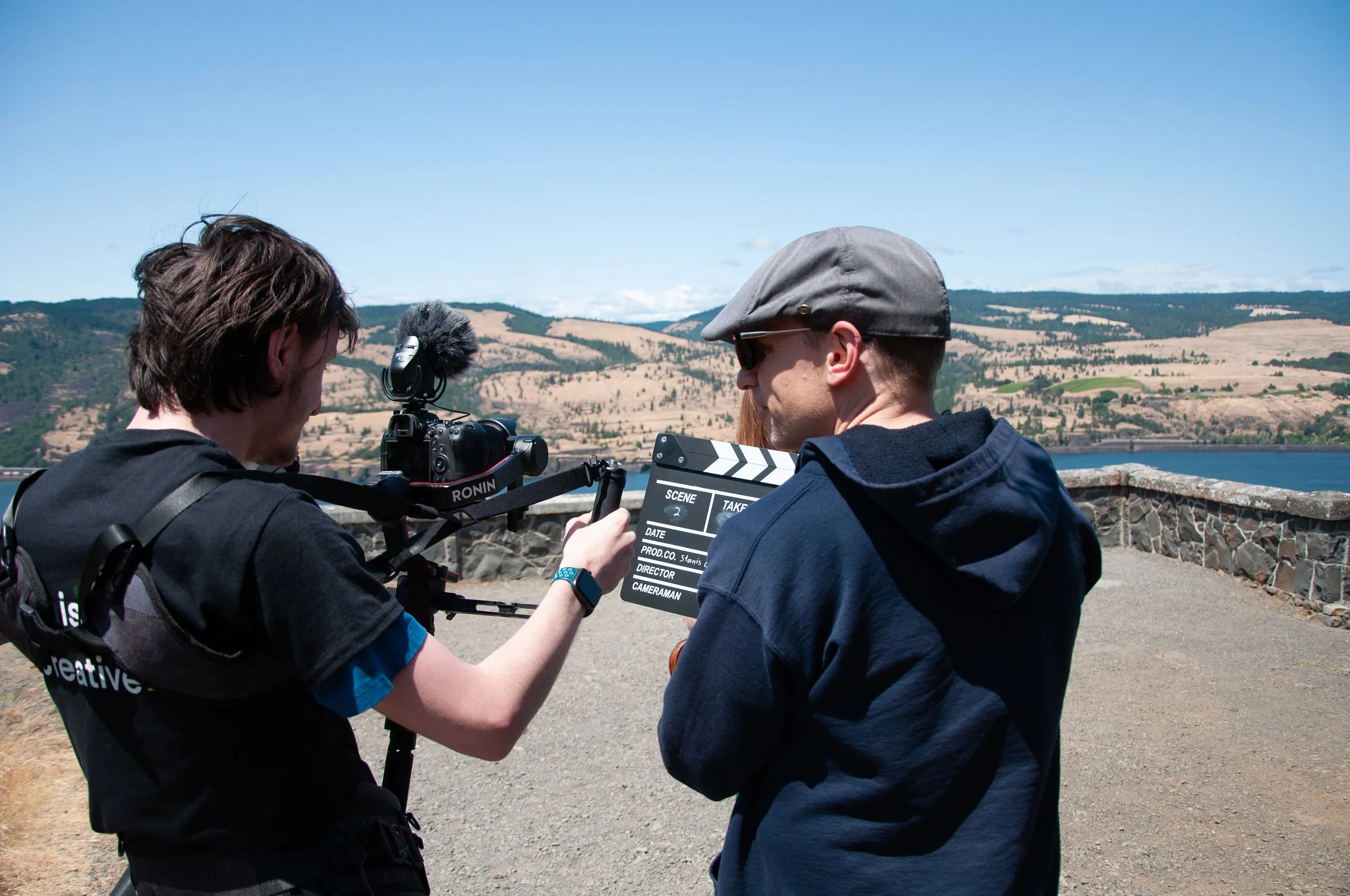
Taylor and Jonathan on the camera.

Corporate event videography does more than record a moment—it tells the story of a company’s culture, achievements, and community in motion. When filmed with intention, these videos capture more than just what happened—they capture how it felt. Every handshake, smile, and shared laugh becomes part of a larger narrative that builds your brand’s identity and connection with its audience.

Why Capturing Events on Video Matters

Today’s audiences expect authenticity. They want to see your story unfold—not just read about it. Corporate event videos offer a window into your company’s values and energy. Whether it’s an annual conference, leadership retreat, or awards ceremony, event footage helps:

  • Reinforce company culture by celebrating people and achievements.

  • Extend the reach of in-person experiences to remote teams or online followers.

  • Preserve institutional memory—a visual archive of milestones and growth.

  • Create reusable assets for recruiting, marketing, and onboarding.

Simply put, videography turns corporate moments into lasting touchpoints that inspire both employees and clients.

Storyboard example - Very simple drawings that set your shots for a film project

Planning the Shoot: Setting Goals and Tone

Every successful shoot begins long before the first frame is filmed. Planning ensures the final product aligns with your brand message and event goals.

At Stanis Creative, we start each project by defining:

  • Purpose: What story are we telling? A celebration? A milestone? A message?

  • Audience: Is the video for internal use, public sharing, or marketing?

  • Tone: Should it feel inspirational, documentary-style, or cinematic?

  • Logistics: Who will be speaking, what key moments to capture, and where lighting or sound challenges may arise.

This clarity helps us anticipate transitions, manage shot lists, and ensure every camera angle supports the story’s emotional flow.

Editing for Audience and Purpose

Taylor editing a movie together.

Editing transforms raw footage into narrative. It’s where storytelling comes alive. A corporate highlight reel for a company website will look—and feel—different from a video meant for internal morale or training.

Here’s how we tailor the edit to fit purpose:

  • Highlight Reels: Fast-paced cuts, energetic music, and key soundbites to capture event excitement.

  • Internal Use: Slower pacing, captions, and team-focused storytelling to promote culture and reflection.

  • Public Relations: Professional tone, balanced branding, and strategic sequencing for external credibility.

Each edit is guided by emotion and clarity—our goal is to make the viewer feel like they were part of the event.

Lessons From Stanis Creative

Authenticity is everything. Some of our most powerful shots weren’t scripted—they were moments of genuine connection: a mentor congratulating a mentee, a spontaneous laugh during setup, a quiet moment before the main event.

A few of our favorite tips:

  • Capture transitions. Some of the most human moments happen between sessions.

  • Mic up speakers early. You’ll often catch great candid audio.

  • Film reactions, not just actions. Audience expressions bring the story to life.

  • Think in sequences. Wide → medium → close-up shots help build dynamic edits.

When teams see themselves represented authentically, they recognize their own contribution to the company’s success—and that builds pride and connection.

Corporate Video as an Investment in Connection and Credibility

Corporate event videography isn’t a luxury—it’s an investment in storytelling that strengthens relationships, both inside and outside your organization. Every video you create adds a chapter to your brand’s ongoing story—a story of people, progress, and purpose.

When done well, it becomes more than documentation. It becomes legacy.

Read More
Taylor Taylor

6 Powerful Video Creation and Marketing Tools Every Creator Should Know About

The right tools can turn a good video into a great one. From planning to publishing, here are our favorite video marketing tools that help creators and small businesses work smarter and faster.

The Right Tools for the Job

Taylor working on Adobe Premiere Pro.

Having the right tools is essential for whatever you are creating, whether it is a physical craft, digital video, or marketing strategy. The proper tools make the process easier and improve the final result. For example, if you are making a paper craft, you could tear the paper with your hands, but that would leave a jagged edge. Using scissors, however, gives you a clean cut. The same principle applies to digital marketing: if you do not use the proper tool for the job, you will end up with a jagged edge.

Programs for Video Creation and Distribution

StudioBinder

StudioBinder is an excellent program that helps you create high-quality scripts and automatically applies proper screenplay formatting. No need to remember how to format dialogue, it does that for you.

Adobe Premiere Pro

Premiere Pro offers a wide selection of professional-grade video editing tools and resources. It can be tricky to learn, especially of you want to pull off a specific effect, but there are many tutorials you can look up to help you. It is the program we at Stanis Creative use to create our videos.

DaVinci Resolve

DaVinci Resolve is a powerful (and free) video editing program with a strong focus on color grading. It has a learning curve, but overall it is a solid program you can use at no cost.

Final Cut Pro (Mac Only)

Final Cut Pro is another video editing program comparable to Premiere Pro. It is only available for Mac users, but it is easy to get started with and learn all the little bits and bobs of video editing.

Buffer

Buffer allows you to schedule automatic uploads of various posts. For example, Stanis Creative uses it to promote the blog you’re reading right now, scheduling posts for Instagram, Bluesky, and Mastodon. It can post to more sites, but those are what we post to.

YouTube

YouTube is a great platform for hosting and easily accessing videos, and with the addition of YouTube Shorts, you can easily post short-form content similar to other social media platforms.

our Usage

Taylor manning the camera with a gimbal.

Stanis Creative has used many of these tools for its video projects, most notably Premiere Pro, Buffer, and YouTube. They help us edit our videos, host them on a platform, and distribute them to other platforms with ease.

If you are interested in getting into the video marketing industry, or if you are already involved and want support, we encourage you to try different tools and see what works best for you.

Read More
Liv Liv

The Power of Storytelling Through Visual Design

Design is more than decoration—it’s storytelling. Colors, shapes, and composition weave narratives that connect people to brands, bands, and even crochet cows.

The McMinnville Scottish Festival banner at the main stage. It features several design elements that connect the festival to Scottish heritage, including Celtic knots, grapes, and an implied belt.

There are a lot of things that can catch the human eye’s attention. Colors and motion can especially draw the viewer's attention. Visual design allows creators to communicate emotion, identity, and meaning more immediately than words alone. 

A single image can suggest a mood or signal a brand’s personality. When design choices are intentional, visuals can become powerful vessels for storytelling.

Why Visuals Tell Stories More Powerfully Than Words Alone

Words require processing. Visuals create sensations. It’s a common saying that pictures speak a thousand words.

A well-designed poster, logo, or character can communicate narrative elements: setting, attitude, and meaning at a glance. Visual storytelling is fast, intuitive, and when done right, it can be memorable.

Everyday Examples of Visual Storytelling

Storytelling through design isn’t limited to movies or graphic novels. It appears everywhere:

Branding

The Chocolate Lantern and Apothecary logo conveys its brand by using a dark color pallet and silhouettes of gears that convey a cozy and historical aesthetic.

A brand’s visual identity is the face of the brand itself. Color palettes, typography, and icons communicate your values: calm professionalism, bold innovation, or whimsical playfulness. A strong brand identity instantly signals what the brand is and what story it wants to tell with confidence.

Band Posters

Band posters often illustrate an entire genre or vibe without a single lyric. Textures, lighting, layout, and imagery can hint at energy (punk), atmosphere (ambient electronic), or emotion (folk storytelling).

Crochet Characters

A collection of crochet characters for sale at the Prosser Highland games.

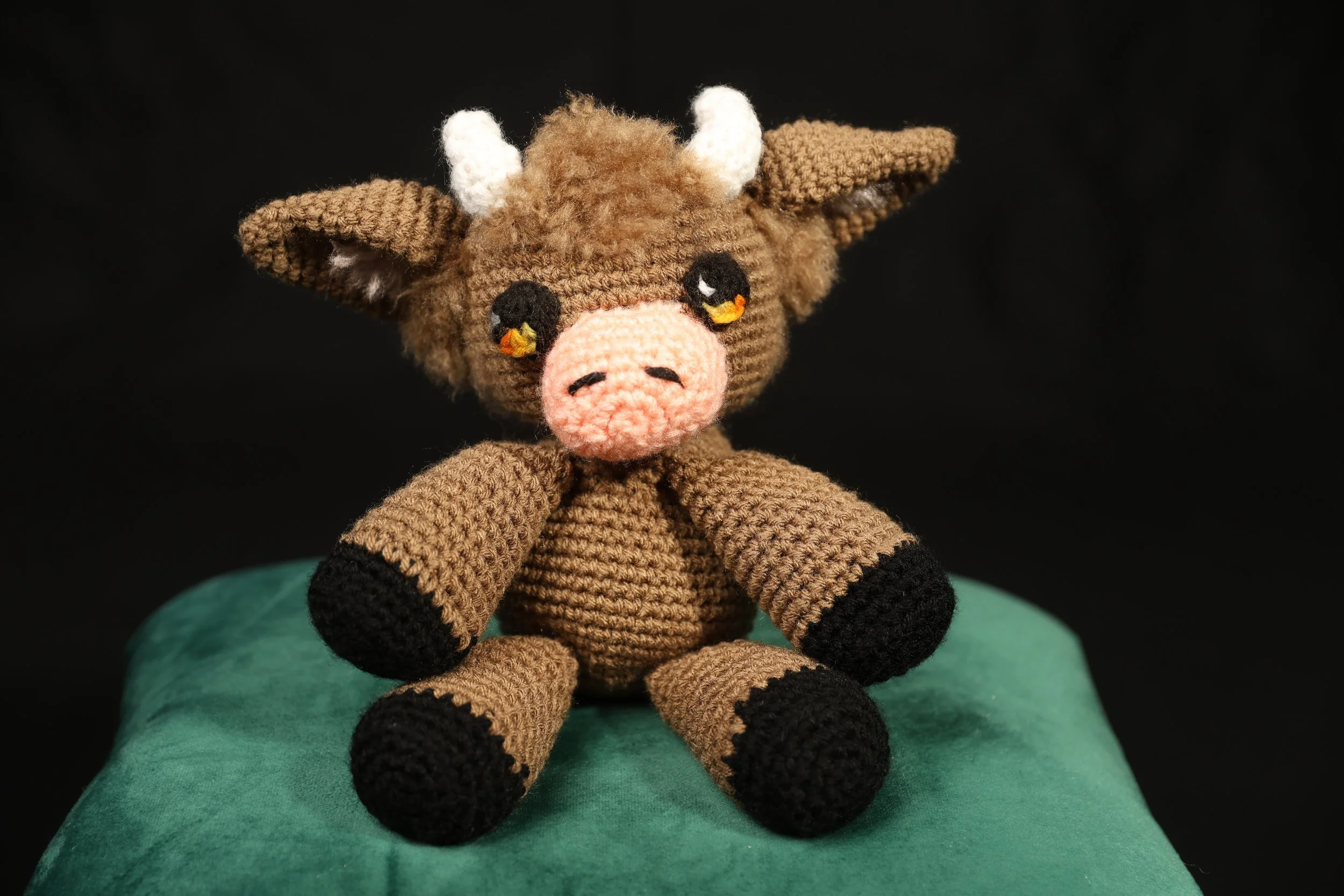
Even fiber art conveys a story. A crochet creature like a tiny crow, cow, or fox reflects personality through its colors, posture, facial expression, and the props or scenery around it. These design choices invite viewers to imagine who the character is and what world it inhabits.

Key Design Principles That Strengthen Storytelling

Color

Color can set an emotional tone. Warm tones can signal energy or optimism; cool tones can convey calm or melancholy. Purposeful color use reinforces the story you want your viewer to feel.

Composition

Composition guides the viewer’s eye.

Balance, symmetry, the rule of thirds, and visual hierarchy shape how a viewer experiences the narrative. Good composition acts like pacing in a written story, and takes purpose and commitment to become proficient.

Emotion & Expression

Visuals should make people feel something.

Expressive forms, texture, contrast, and movement all help convey the emotional subtext of the story. The difference between a classic cartoon and a modern live-action series, for example.

Consistency

A cohesive visual language builds recognition and deepens narrative impact. It makes your product feel distinct, carefully crafted, and professional.

Tips for Creators: Infuse Story Into Your Own Design

  1. Start with a narrative, not aesthetics. - Ask: Who or what am I designing for? What story should the viewer understand instantly?

  2. Use color intentionally. - Build a palette that aligns with the mood, values, or personality you want to convey.

  3. Think in scenes. - Even static designs can imply movement, environment, or character.

  4. Let composition direct emotion. - Off-center subjects feel dynamic; symmetrical layouts feel stable and calm.

  5. Add small details that imply history or personality. - A stitch pattern, a background symbol, and a shadow can all function as narrative hints.

  6. Aim for consistency. - Repeated shapes, motifs, or colors build a cohesive visual story across platforms.

Every design is an opportunity to tell a story. When we treat visual elements as narrative tools and not just decoration, we create work that resonates, connects, and lingers in memory. Whether you’re developing a brand, crafting a band poster, or bringing a crochet character to life, your design choices shape the story your audience will see, feel, and remember. It is one of the most important parts of your project’s identity.

Read More
Liv Liv

My Process With Digital Painting — Landing in the Top 10 of a Warhammer 40,000 Coloring Competition

>>Entering the competition… //

One of my Necron miniatures as an example. These guys are tiny!

Recently, I participated in the Warhammer 40,000: Mechanicus II Coloring Competition. Even though I’ve been drawing and improving my art for several years, I had never felt confident enough to join an art competition before. That changed when I discovered the Warhammer community earlier this year through a friend. I quickly became immersed in Warhammer’s rich lore, expansive universes, and its creative hobby side. After trying a few of the games, the first Mechanicus title especially caught my attention - so when I learned a second game was coming, and that a coloring competition was being held to celebrate it, I knew I wanted to participate.

For my entry, I chose to base the design on my personal Necron painting scheme! White base, gold details on the shoulders, and glowing rainbow energy for their weapons.

(For the unfamiliar: Necrons are evil undead skeleton robots. Yes, they’re as cool as they sound.)

//Reanimating My Creativity…//

Liv’s submission for the Warhammer 40,000: Mechanicus II Coloring Competition. It features a skeletal robot with glowing rainbow blades and gold plating.

The glowing rainbow blade shifts colors from pink to purple. Depth is added with a darker ue in the middle.

The piece took me roughly six hours to complete. I began by blocking in the general colors (white, black, and gold) to establish the foundation. This is important to see how your colors contrast with each other, and if they remain readable. Then comes the real challenge: shading and texture. Necrons don’t have a lot of variation in their metal textures, so I had to be intentional about adding scratches, scuffs, and small details to keep the metal interesting without overwhelming the design. I was really happy with how those subtle touches turned out! 

The glowing elements, however, were by far the hardest. Creating a believable glow without using the provided glowing brushes requires constant refinement: shading, brightening, and shading again. To sell the illusion that the light is intensely bright, everything surrounding it has to be correspondingly darker. On top of that, the glow needed to be multi-colored per my color scheme. Blending hues while maintaining texture was a challenge I genuinely enjoyed. I even deepened the center of the blade to make it look as though some sort of liquid energy was flowing through it. 

Because of the competition rules, I avoided adding a full background to prevent any risk of introducing extra linework. Still, I added subtle color in the corners to enhance the overall vibrancy. The character is what should stand out, and with so many colors I would risk adding too much to the piece.

//Submitting entry…//

When I submitted the final piece, it came with its fair share of anxiety. This was my first entry into a competition ever. But I was proud of what I had made, and I was encouraged by the positive feedback from the community on Discord. Seeing everyone else’s submissions was amazing as well, each submission brought more creativity and unique content when working in the restrictions given. It was so much fun to see the community come together and be creative!

When submissions closed, and the task of shortening the huge mass of submissions fell upon the judges, I woke up a few days later to a huge surprise that I would never have expected: I had made it into the top ten finalists on the Necron side.

At first, I didn’t even understand what I was looking at. I had never valued my art this highly before, and seeing it recognized in such a visible way was incredibly validating. It felt like a milestone I wasn’t sure I would ever reach.

Progress images of my submission from blocking to shading to finalizing.

//Concluding message…//

I’m incredibly grateful for this experience, and I’m truly excited to see how the final results unfold. Voting continues through the end of the month and I highly recommend checking out the finalists’ entries if you get the chance! Every single piece is a testament to the creativity and passion of the Warhammer community. 

Great job to everyone who participated, and those of you who made it to the shortlists!

Wishing everyone the best of luck,

Signed, Liv

 
Read More
Juliann Stanis Juliann Stanis

The Creative’s Guide to Designing Email Newsletters That People Actually Want to Read

A great newsletter feels like hearing from a friend. Whether it’s updates, stories, or new releases, consistency and authenticity are key to keeping your audience connected.

Two people on a boat smiling.

Jonathan and Julie on a boat.

A great newsletter feels like hearing from a friend. It’s not just another piece of marketing — it’s a moment of connection. Whether you’re sharing your latest creation, a behind-the-scenes story, or a special offer, your email should sound like you. That’s how you build trust, connection, and a creative community that lasts.

Why Newsletters Matter for Creatives

Person in a kilt smiling with a tented stage set up behind him being preped for live music. Person in a Stanis Creative t-shirt with their back to the camera is filming the scene.

Jonathan smiling at the camera.

Social media is noisy. Algorithms shift, trends fade, and posts disappear in the scroll. But email? It’s direct. Personal. Chosen. When someone signs up for your newsletter, they’re saying, “I want to hear from you.”

For creatives — artists, musicians, makers, writers, and storytellers — newsletters do more than promote. They build consistency and community. They keep your name, your story, and your craft in your audience’s world, even between projects or events.

Think of your newsletter as your digital campfire — a place where your community gathers to hear what’s new, what’s next, and why it matters.

Define Your Newsletter’s Goal

Before designing or writing a single sentence, ask yourself: What do I want this newsletter to do?

Here are a few common goals:

  • Sales: Promote new products, artwork, or event tickets.

  • Updates: Keep fans or clients in the loop about upcoming shows, drops, or launches.

  • Storytelling: Share your creative process, inspiration, or personal journey.

  • Education: Offer tutorials, insights, or resources that help your audience grow.

  • Community Building: Celebrate customer stories, collaborations, or milestones.

You don’t have to pick just one — but knowing your primary purpose will guide your design, tone, and structure.

Structure That Keeps Readers Engaged

Think of your newsletter like a short story — it should have a rhythm and flow that keeps readers scrolling. Here’s a tried-and-true structure:

1. Header / Banner
Your logo or a simple, recognizable image. Keep it clean — this sets the tone for your brand.

2. Greeting or Hook
A quick intro that feels conversational. “Hey friends,” “From the studio this week…,” or “Behind the scenes at last weekend’s festival…” all work great.

3. Main Story or Feature
One focused highlight — your latest artwork, video project, or event. Add a few lines about the why behind it. This is your storytelling moment.

4. Visuals
Images make all the difference. Use high-quality photos or artwork that show your craft and personality.

5. Call to Action (CTA)
Guide your reader: “Watch the new video,” “Shop the collection,” “Read the full story,” or “Reply and tell me what you think.” Clear, simple, and inviting.

6. Sign-Off
Close like a person, not a company. “See you next week,” “With creativity,” “From our family workshop,” — whatever fits your voice.

Design Tips for Creative Businesses

  • Keep It Simple: Don’t overload with text or colors. White space gives your content room to breathe.

  • Use Consistent Branding: Fonts, colors, and tone should match your website or social feeds.

  • Make It Mobile-Friendly: Over 60% of readers open emails on their phones — test your layout.

  • Prioritize the First Impression: The subject line and preview text decide whether your email gets opened. Keep it clear and friendly.

  • Include Personality: A personal note or small anecdote humanizes your message.

Finding the Right Frequency

Person laying on the ground on their back filming with a cellphone on a gimbal.

Liv capturing different perspectives!

The perfect schedule depends on your capacity and your audience’s expectations.

  • Monthly: Ideal for artists juggling multiple projects — a round-up of what’s new and what’s coming.

  • Bi-weekly: Keeps momentum without overwhelming readers.

  • Weekly: Great for content creators or musicians with ongoing stories or releases.

The key is consistency — it’s better to send one meaningful newsletter each month than four rushed ones that feel impersonal.

Examples of Creative Newsletters That Work

Our newsletter example with labels!

  • The Studio Journal: A monthly note from an artist sharing new works, upcoming markets, and one personal reflection from their sketchbook.

  • Maker’s Dispatch: A bi-weekly email with short video clips, product drops, and vendor shoutouts from local fairs.

  • The Storyteller’s Note: A weekly message from a writer blending updates with a mini-essay about creativity and process.

Each one works because it’s authentic, visually cohesive, and built around relationship, not just sales.

Start Simple, Stay Consistent

Don’t wait for the perfect design or a massive list. Start with a small audience and a clear message. Every email is a conversation — an invitation for your community to grow with you.

Remember: your subscribers signed up because they want to hear from you. So tell your story, share your process, and let your newsletter become a creative space of its own.

Image of a signature that says "Signed with ink, yarn, and pixels,  Stanis Creative"

(Signed with Ink, Yarn, and Pixels -Stanis

Creative)

Read More
Juliann Stanis Juliann Stanis

What It Takes to Put on a Festival: Behind the Scenes of Community Magic

Ever wonder what it really takes to bring a festival to life? From permits and staging to community collaboration, step behind the curtain with us and see how the magic truly happens.

The audience claps along to a song.

Festivals might look effortless from the outside, but behind every sound check, dance, and vendor tent is a small army of passionate people (often volunteers). We’ve had the privilege of seeing it firsthand, and it’s nothing short of magical.

The Morning Magic Before the Gates Open

There’s nothing quite like the first morning of a festival. The sun rises over the grounds, casting golden light on a flurry of activity. Vendors unload boxes of hand-crafted goods, stages come alive with sound checks, and volunteers rush between tents with coffee in hand. There’s a hum in the air, an anticipation that something extraordinary is about to begin.

From the outside, it looks like spontaneous magic. But behind that moment are months, sometimes years, of planning.

The Hidden Work Behind the Scenes

Every festival is a small city built from scratch. Power lines and staging, safety checks and sanitation, permits and insurance, each piece must come together in perfect timing. Vendors coordinate deliveries, musicians finalize setlists, and organizers juggle logistics that most of us never see.

Two people setting up a canvas tent.

Setting up a canvas tent at Realms Unknown.

Then there are the volunteers, who make the impossible seem effortless. They direct parking, clean up spills, guide guests, and keep the rhythm flowing so the magic never falters.

Collaboration and Community

No festival happens in isolation. It takes the combined creativity of artists, organizers, and the local community to make it thrive. Behind the booths and stages are long conversations about layout, accessibility, storytelling, and connection.

When it works, it’s because everyone shares the same vision: creating a space where people can step outside the ordinary and feel part of something bigger.

Lessons from the Field

At Stanis Creative, we’ve had the privilege of capturing that behind-the-scenes energy at festivals like the McMinnville Scottish Festival, Vashon Highland Games, and Realms Unknown. Each has its own vibe, but they all share one thing: heart.

The best moments often happen when the cameras aren’t rolling, everyone pitching in to reset a fallen tent, an artist lending tools to another, a tired organizer grinning as the first guests arrive. These are the real stories that make festivals unforgettable.

Person working with clay at a festival.

Clay artisan at a festival from this season.

The Payoff: Seeing It All Come Together

When the gates open and the first notes of music drift across the scene, the months of late nights and problem-solving fade into the background. What remains is pure, collective joy. The laughter, the applause, the sense of belonging, it’s why so many people pour their time and energy into bringing festivals to life year after year.

A Final Reflection

Festivals are more than events; they’re living proof of what communities can create when passion meets purpose. They remind us that magic isn’t something you stumble upon, it’s something you build, together.

Read More
Jonathan Stanis Jonathan Stanis

How to Create Scroll-Stopping Videos That Convert

In a World of Endless Scrolling, Connection Is the Real Currency

Every swipe, tap, and scroll is a chance for your story to be seen.

On social media, video has become the universal language of engagement. Whether it’s a behind-the-scenes clip, a product demo, or a heartfelt message from your team, the right video doesn’t just get views. It builds trust, connection, community, and conversions.

So how do small businesses and creators make videos that actually stop the scroll? Let’s break it down!

Why Video Dominates Social Media Engagement

Videos are the heart of digital storytelling. Fresh Move Media says, “Studies show that users spend up to 88% more time on pages with video, and social posts with video generate up to 1200% more shares than text and image posts combined.” That’s because video does what static content can’t: it conveys emotion, movement, and personality.

But it’s not just about the numbers, it’s about human connection. Video allows your audience to see you, hear your voice, and feel the passion behind your brand. It’s dynamic, relatable, and digestible, especially on mobile devices where short-form video is more common.

When you tell your story through video, you’re showing your purpose.

Understanding Each Platform

Each platform rewards different types of video content. Knowing the culture, tone, and algorithmic preferences of each is key to maximizing reach and engagement.

Instagram Reels

Reels are built for discovery. Keep them upbeat, visually engaging, and branded in your signature style. Use trending audio sparingly, it helps boost visibility but should still feel authentic to your brand.
Length: 7–15 seconds works best. You can post reels up to 3 minutes, however the algorithm prefers videos to be shorter than this. You will get more promotion by keeping your reels below 3 minutes.
Tip: Start with the main action to hook attention, and use subtitles!

YouTube Shorts

Shorts are ideal for education and storytelling. Viewers expect more context here, so you can go a little longer while still keeping it fast-paced.
Length: 15–60 seconds.
Tip: End with a cliffhanger or call-to-action (“Watch the full video on our channel”) to pull viewers into your longer content. Or you can make a neat looping effect!

TikTok

TikTok thrives on relatability and creativity. Audiences here want authenticity over polish. Think storytelling, quick tips, or personal insight from your brand’s perspective.
Length: 9–20 seconds is the sweet spot.
Tip: Use captions and text layers to emphasize emotion or key phrases, since many people scroll with sound off.

Matching Video Length, Tone, and Format to Your Audience

The most effective videos meet your audience where they are, both literally and emotionally.

  • Length: Keep it short enough to respect attention spans but long enough to say something meaningful.

  • Tone: Match the mood to your message. A playful brand might use humor, while a service-based business may focus on empathy and clarity.

  • Format: Vertical video dominates (9:16), but you can experiment with square (1:1) for feed posts, or horizontal (16:9) for YouTube and websites.

Most importantly show people, not just products. Faces drive engagement. Whether it’s you, your team, or your customers, human presence builds trust, warmth, and can bridge the gap between corporation and community.

Consistency, Storytelling, and Authenticity

The best social video strategies are built on consistency.

  • Consistency: Post regularly and stay within a visual and tonal identity. Familiarity breeds connection.

  • Storytelling: Even 10-second clips can tell a story! Use a simple arc: hook, reveal, takeaway.

  • Authenticity: Don’t chase trends that don’t fit your brand. Viewers can spot forced content easier than you think. Be real, be kind, and be creative.

One easy framework to remember:

Educate, Entertain, or Emotionally Connect.
If your video does at least one of these things, you’re building value, not just visibility.

Measuring Success and Adapting Your Strategy

Views are only part of the picture. Measure what matters:

  • Engagement: Likes, comments, saves, and shares show your content resonates.

  • Watch Time: Indicates whether viewers are staying through the full clip.

  • Click-Through Rate (CTR): Reveals how effectively your video drives traffic or conversions.

  • Follower Growth: Signals that your storytelling is turning viewers into a community.

Track performance monthly and refine your approach. Which topics or tones perform best? Do certain types of videos convert more followers to customers? Use these insights to guide your next batch of content.

Remember: algorithms evolve, but authenticity and storytelling never go out of style.

How Small Businesses Can Stand Out in the Scroll

You don’t need a massive budget to make an impact. What matters most is intention. Use what you have; your phone, your voice, your story, and build from there. Plan, post, and learn with each video. It takes time to grow, why not learn while your building?

Brands that will thrive are the ones that feel human. The ones that show behind the curtain, share their process, and talk with (not at) their audience.

In a world of endless scrolling, your next video could be the one that makes someone stop, and say,

“This is exactly what I was looking for.”

Read More
Taylor Taylor

Elevating the View: Using Drones for Videography

From soaring overhead shots to sweeping crowd views, drones give us the ability to tell stories from entirely new perspectives. At Stanis Creative, drone videography has become one of our favorite tools for capturing festivals, music, and community events in ways that ground cameras simply can’t.

A white drone flying over a pine tree forest.

Liftoff

Cinematic, beautiful, and offering a fresh point of view, these are just a few of the things drones can deliver. Small and agile, these quadcopters open up the skies, allowing us to see the world from an entirely new perspective.

Why Use a Drone?

Drones are remarkable little machines capable of capturing unique vantage points such as sweeping aerials, crowd shots, surrounding landscapes, and breathtaking vistas. With the right technique, they can add cinematic quality to your footage, engaging viewers through dynamic movement and fresh perspectives within a scene.

Getting Started with Drone Videography

Beginning the drone journey is relatively simple. For recreational flying, you must complete a basic drone safety quiz and earn a passing score to obtain a recreational license. We took the FAA-approved Drone TRUST course, which teaches the rules and regulations for recreational drone flying in the United States—where it is safe to fly, how to handle different weather conditions, and more. Once you complete the course and receive your certificate, you may fly in accordance with recreational rules.

Flying drones commercially, however, requires a greater investment of both time and money. To obtain a commercial license, we enrolled in Part 107 Made Easy from Pilot Institute—a more comprehensive course designed for professional use. Following this, there is the actual 107 test, a federally mandated test used to certify drone pilots to fly them commercially.

Of course, learning the rules is only part of the process. We also had to learn how to operate a drone effectively. To start, we purchased the DJI Flip, a lightweight, compact model offering 30 minutes of flight time on a single charge. After several test flights, we began to get a feel for the controls and overall flight behavior. We are still learning, but each new shot shows noticeable improvement.

Applications in Creative Projects

Drones can capture the scope and energy of gatherings and festivals, providing valuable context by showing how different areas of an event connect. They can create dramatic reveals or sweeping overhead shots of venues, products, or landscapes. Ultimately, they are powerful tools for achieving strikingly different perspectives that enhance visual storytelling.

Challenges With Flying

Owning a drone capable of capturing high-quality video is exciting—but not without its challenges. Weather poses significant issues for any filming equipment, but while ground-based gear can be shielded with tarps and sandbags, drones are far more vulnerable. Rain and wind can easily threaten their stability. Strong gusts can blow a drone off course or, in severe cases, knock it out of the sky entirely. A short drop can mean the end of your aircraft.

Lessons Learned & Tips

  • Always scout your shooting locations in advance to identify safe areas for takeoff, landing, and filming.

  • Bring spare batteries and memory cards—you never know when you’ll need them.

  • The DJI Flip does not record audio; even if it did, the rotor noise would overpower everything else. You will need a separate audio source.

  • Fly slowly and steadily for smoother, more cinematic footage.

  • Combine drone footage with ground-level shots to create a complete, cohesive story.

Touchdown

Overall, drones complement ground-based videography beautifully, enhancing storytelling with stunning aerial perspectives. They are accessible, versatile, and capable of delivering truly cinematic results.

We encourage you to explore how aerial videography can elevate your own storytelling and filmmaking!

Read More
Juliann Stanis Juliann Stanis

From Stage to Screen: How to Turn Event Footage Into Powerful Marketing Content

The event may be over, but the story isn’t. Event footage can become powerful marketing content—highlighting energy, connection, and authenticity long after the lights go out.

The Question

Jonathan playing his violin during a jam session.

During an event, we at Stanis Creative capture all kinds of footage. Hours upon hours of it! But how does that mountain of raw video become a polished, story-driven marketing piece?

First Step Off SD-Card Lander

The first step in bringing the stage to the screen is sorting the footage. You can’t uncover a story until you know what you have, organized and ready to work with. We go through every clip, carefully naming each file and identifying the moments that could shape a powerful narrative.

The Editing Of A Story

Once everything is sorted, we move on to editing. This is where the movie magic happens. From the gathered footage, we create reels, teasers, testimonials, and long form videos that tell the story of the event. Whether it’s for social media, advertisements, website content, or any other digital marketing need, we create it and deliver it.

Highlights

Jonathan working the camera at a show!

We also love to highlight the unique and exciting things happening at each event, especially by supporting fellow small businesses we meet along the way. We interview them, film B-roll of their craft in action, and carefully cut it all into promotional videos that help showcase their products and passion. At Stanis Creative, we value community and creativity, and we will always do what we can to uplift small businesses and strengthen the communities that surround them.

Credit With Interest

And of course, with every video we produce, we make sure to credit the artists and organizers who make it all possible. The people who give us the opportunity to showcase their booths, businesses, and events. They put on the show, and we give them an audience. (Or at least, a bigger one.)

Concluding the trilogy

Taylor with the camera at a St. Patrick’s Day event.

Capturing event footage is a lasting storytelling tool. It transcends time and, with the right edit, can continue to benefit your event, your business, and your community for years to come.

Read More
Jonathan Stanis Jonathan Stanis

Darkmoon Faire: Handcrafted Magic and Celtic Elegance

At the McMinnville Scottish Festival, Darkmoon Faire’s booth shimmered with hand-wrapped jewelry, horn crowns, and hand-sewn books — each piece a reflection of Betty and Gary’s 20-year journey as creators. Step inside their world of craftsmanship, mythology, and imagination, and see why their artistry continues to captivate festival-goers across the Pacific Northwest.

A Booth That Feels Like a Story

Walking through the McMinnville Scottish Festival, the skirl of bagpipes and laughter fills the air, but something about the Darkmoon Faire booth draws you closer. Glinting handcrafted jewelry and crystal suncatchers sparkle in the morning light. Nearby, beautifully hand bound books rest invitingly, their covers stitched and embossed by hand. Every piece looks as though it belongs in a Celtic legend or a fantasy novel come to life.

There’s an undeniable sense of intention here. As Betty Walberg puts it, “We don’t make or sell anything that I wouldn’t buy personally myself.”

And that authenticity is what makes Darkmoon Faire unforgettable.

The Artists Behind the Magic: Betty and Gary

For nearly two decades, Betty and her husband, Gary Hankle, have been the creative force behind Darkmoon Faire. What began as a shared hobby, fueled by Gary’s skill as a rockhound, stonecutter, and wire-wrap artist, and Betty’s drive to “make all kinds of different things,” has become a full-time creative journey.

Since 2018, Betty has devoted herself entirely to the craft. Together, they’ve built a name recognized across conventions and festivals, from horror events and masquerade balls to fine arts fairs and Celtic gatherings. “It’s a lot of fun to see everybody, meet everybody, and have people appreciate our work,” Betty says. “We love when people come back and ask, ‘What’s new?’

A Craft Evolved from Passion

Inside the cover of a diary sold by Darkmoon Faire. Some of the text reads, "Crafty Junky. Nice To Meet You!", and goes on to explain the details about the journal.

Hand made journal sold by Darkmoon Faire.

Like many great artisan stories, Darkmoon Faire started humbly. The couple began vending simply to “buy more materials and make more things.” But over time, their work found an audience of kindred spirits, people who connected not only with the beauty of their creations but also with the heart behind them.

Gary’s intricate wire-wrapped pendants, especially the dragons, ravens, and skull motifs, have become hallmarks of their style. Each one is designed, patterned, and wrapped by hand, showcasing a level of skill that borders on sculptural art. Betty complements that precision with pieces that radiate personality: delicate sun catchers and wearable art that blend gothic elegance with Celtic folklore.

What You’ll Find at the McMinnville Scottish Festival Booth

Elaboratly decorated gobblets wth skelletons, knights, and other mythical createures.

At McMinnville, the Darkmoon Faire booth balanced rustic charm with fantasy flair. Alongside their signature wire-wrapped jewelry, they displayed ornate horns and tiaras — pieces that seemed plucked from a royal court of myth. The addition of hand-sewn books drew in new admirers: beautifully crafted volumes perfect for sketches, spells, or stories waiting to be written.

The setup reflected a deep understanding of their audience. For this Scottish-themed event, Betty leaned into her Celtic silver collection and designs inspired by ancient artistry — a nod to heritage and fantasy alike. “We tailor our inventory to the event as much as we can,” she explained. “When we do Scandinavian or Celtic festivals, some of our lighter, more traditional pieces come out.”

The result? A booth that felt perfectly at home among tartans, music, and history, yet still distinctly Darkmoon Faire.

The Artistry of Wire Wrapping and Handcrafting

Gary’s wire wrapping remains one of the most remarkable features of their collection. Each dragon or raven skull pendant is a one-of-a-kind creation, the kind of piece that makes people stop mid-stride. His designs merge the precision of lapidary work with a flair for fantasy storytelling. “He designs all the patterns,” Betty says proudly. “His wire wrapping work is some of the most unique stuff that we have.”

These intricate works are complemented by Betty’s own touch, hand-sewn bindings, jewelry with mythic themes, and decor that glows with personality. Together, they create a booth that feels alive with variety yet united by vision.

Adapting to Every Festival

One of Darkmoon Faire’s secrets to longevity is adaptability. “We do all kinds of different events,” Betty says. “From horror conventions to fine arts shows, to masquerade balls to Comic-Cons, all over the Pacific Northwest.” Each event brings a new opportunity to showcase their range and connect with new communities.

They shift their palette to fit the vibe — spooky and dark for Halloween shows, shimmering and folkloric for Celtic gatherings. Yet no matter the theme, every booth feels unmistakably theirs. That consistency of spirit — warm, imaginative, and proudly handmade — is what keeps fans coming back year after year.

Why Their Work Resonates

A combination necklace and earrings featuring metal leaves and jewels.

Perhaps it’s the craftsmanship. Perhaps it’s the warmth of the artists themselves. Or maybe it’s that indescribable spark, the sense that every item holds a story, and that buying it connects you to something timeless.

As Gary likes to say, the booth is “a window into Betty’s soul.” From fossilized shark teeth and meteorites to elegant silverwork, everything on display feels personal. These aren’t just souvenirs; they’re pieces of a creative life built on passion, patience, and love for the fantastical.

Visit Darkmoon Faire at Upcoming Events

Whether you discovered them at McMinnville or are meeting them for the first time, one thing’s certain: Darkmoon Faire’s next appearance will be just as magical.

See where they’re headed next and explore their creations online:
Visit Darkmoon Faire’s Upcoming Events »

Each stop offers something new: new designs, new stories, and new kindred spirits to meet.


Read More
Jonathan Stanis Jonathan Stanis

How to Build an Email Marketing Strategy That Turns Fans Into Loyal Supporters

Learn how indie artists can use email marketing to connect with fans, boost engagement, and build long-term support with smart strategies and storytelling.

You poured your heart into the show, the festival, or that art fair, and it was a hit. The lights have dimmed and the stage is clear, but the connection with your audience doesn’t have to end when the event does. In fact, now is the perfect time to turn that one-time excitement into a lasting relationship.

How?

By mastering the art of email marketing.

This post will walk indie artists (and event organizers or vendors) through creating an email strategy that keeps the post-event spark alive. We’ll cover staying connected after an event, why email still matters in 2025, how to segment your audience (from fans to sponsors), writing subject lines and calls to action that actually work, using visuals and storytelling, measuring engagement, and ultimately turning event attendees into loyal supporters. Grab a cup of coffee, and let’s dive in – in a friendly, conversational way, artist-to-artist.

Why Email Still Matters for Artists, Vendors, and Festivals

In the age of TikTok, Instagram, and endless social feeds, you might wonder: Does anyone still read emails? The answer is a resounding yes – and for indie artists and event organizers, email is often the secret weapon. Here’s why email still matters (possibly more than ever):

  1. Direct Access to Your Audience: Social media algorithms are fickle friends. One day your post might reach thousands, the next day only a handful. Email, on the other hand, goes straight to your subscribers’ inboxes – no algorithm deciding who sees it. When a fan signs up for your mailing list, they’re saying “I want to hear from you.” That’s a powerful connection. You’re not just scrolling by in a feed; you’re in a personal space where they check messages from friends and family.

  2. Higher Engagement and ROI: Email isn’t some outdated medium, it remains one of the most effective marketing channels. Studies have shown that email marketing can yield a high return on investment (some marketing reports estimate an average of about $40 earned for every $1 spent on email marketing campaigns). While you as an artist, might not be thinking in terms of corporate ROI, what that means is email drives action. Fans are more likely to see your message and click that link to your new single or merch store in an email than they are to notice a single tweet in a noisy timeline.

  3. Ownership of Your Audience List: One of the biggest reasons to invest in email is ownership. If you have 5,000 followers on a social platform, you don’t “own” that contact list – the platform does. If the platform changes or fades in popularity (remember MySpace?), you might lose your connection. But your email list is yours. It’s a community you can take with you wherever you go – from one project or band to another, or one festival to the next. This is crucial for sustainability as an indie creator.

  4. It’s Personal and Preferred: Email feels one-to-one. It can be tailored with the recipient’s name, acknowledge past interactions (like “Thanks for attending our June show in Portland”), and generally feels more intimate than a public social post. Many fans – and sponsors, and vendors – prefer important communications via email. It’s considered more professional for business matters and more thoughtful for fan communications. In short, when you really want someone’s attention, an email beats a social post.

So yes, email very much still matters. It’s the trusty old friend in your communications toolkit: reliable, effective, and capable of carrying a message with genuine weight. Now that we’ve established its importance, let’s look at how to fine-tune your emails for different groups in your audience.

Getting Started with Email Collection

There’s no better place to grow your mailing list than at your shows. When fans are still buzzing from your performance, they’re emotionally connected, inspired, and much more likely to say “yes” to staying in touch. The key is to make signing up quick, effortless, and part of the fun—not a sales pitch.

  1. Make It Part of the Show: Don’t be shy about inviting fans to join your list from the stage. A simple, natural mention goes a long way. For example: “If you liked what you heard tonight, scan the QR code at the merch table or on the screen behind us to join our mailing list. We’ll send you the live version of our closing song and let you know when we’re back in town!”

    You can also have your bandmates mention it between songs or right after your set—fans love feeling like they’re part of an inside circle.

  1. Use QR Codes Everywhere: QR codes are your best friend. Generate one that links directly to your signup form (Mailchimp, ConvertKit, Squarespace Email Campaigns, etc.) and display it on:

    1. Your merch table

    2. Posters or signage near the stage

    3. Your merch packaging (stickers, tags, CD inserts)

    4. A slideshow on a screen before or after your set Tip: Make sure the page loads fast and works on mobile. The fewer taps it takes, the better.

  2. Create a Low-Tech Backup: Not every venue has great Wi-Fi, and not every fan is quick with tech. Keep an old-school signup sheet or notebook at your table for anyone who prefers pen and paper. Just make sure you can read the handwriting later! You can even design a small, on-brand card with space for names and emails—something you can collect and enter later.

  3. Incentivize On-the-Spot Signups: Give fans a little extra reason to sign up now. For example:

    1. A raffle for a free t-shirt, signed CD, or shoutout in your next newsletter.

    2. Instant download link to a live track or acoustic demo sent after they confirm their subscription.

    3. “Backstage Crew” access: a private newsletter segment where you share stories, early merch drops, or setlist polls.

You can announce the incentive during your set—make it part of your storytelling and community vibe.

The Art of Staying Connected After the Event Ends

The curtain may have closed, but your communication with fans is just getting started. Staying connected after an event ends is an art in itself. Think of it like the encore after a concert, a little extra something that leaves a lasting impression.

Here’s how you can keep the relationship going once the event is over.

Directly after the show

  1. Send a Warm Thank-You Email: Shortly after the event, send out a sincere thank-you note. Let your fans or attendees know how much their presence meant to you. This isn’t just polite – it’s the first step in building loyalty. For example, an indie band might email, “Thank you for coming out last night – you made our album launch unforgettable!” along with a photo from the show.

  2. Share Exclusive Post-Event Content: Give fans a reason to stay tuned. You might share a link to a highlight reel video, a gallery of photos, or a live recording from the event. This not only rekindles the excitement, but also makes those who missed it feel included (and maybe a bit envious, in a good way!). The art festival that emails a “post-event recap” with vibrant images and stories from the weekend keeps folks engaged and looking forward to next time.

  3. Keep the Conversation Going on a Personal Note: Encourage replies by asking a question. For instance, “What was your favorite moment?” or “Which new song should we release as a single?” Engaging your audience in two-way communication via email helps them feel seen and valued. It’s not a one-sided broadcast; it’s a conversation that can continue long after the venue empties.

Staying connected is about nurturing the relationship when the memory of the event is still fresh. By showing gratitude and offering something of value (like behind-the-scenes content or personal interaction), you’re effectively bridging the gap between one magical night and many more to come. This leads us to our next point: using email as the bridge.

Strategies for Segmenting Your Audience (Fans, Customers, Sponsors)

Not all subscribers are the same, and a one-size-fits-all email can fall flat. The solution? Audience segmentation, a fancy term for grouping your contacts by certain criteria so you can communicate more relevantly with each group.

HubSpot’s marketing research finds segmented email campaigns get about 30% more opens and 50% more click-throughs than non-segmented email sends. Data from Kinsta likewise shows that segmentation boosts results: segmented campaigns can yield over 100% higher click rates compared to broad “one-size-fits-all” email blasts.

As an indie artist or event organizer, you might have at least a few distinct groups in your list. For example:

  • Fans (General Audience): These are folks who love your art, attend your shows, stream your music, or follow your journey. For them, you’d send content that nurtures their fandom – tour dates, new releases, personal stories, and freebies. They want to feel like part of your inner circle.

  • Customers (Buyers/Merch Purchasers): This group has financially supported you – maybe they bought a signed poster, a VIP ticket, or a piece of artwork from your booth. They’ve shown a higher level of interest (and means). Emails to them can include things like exclusive discounts on new merch, early access to tickets, or “thank you” rewards. Since they’ve spent money on you before, they’re more likely to again, especially if you acknowledge their support.

  • Sponsors and Partners: If you run events or festivals, you might also be emailing sponsors, vendors, or collaborators. These emails will be more businesslike – think along the lines of event wrap-up reports, sponsorship opportunities for the next event, statistics about attendee engagement, and lots of gratitude for their involvement. The tone might be slightly more formal, and the content more data-driven (for example, “Our festival saw 5,000 attendees – a 20% increase from last year, which means increased exposure for your brand.”)

How do you actually segment? Most email platforms (Mailchimp, Constant Contact, ConvertKit, etc.) allow you to tag subscribers or create separate lists. Start at the point of signup: you can have checkboxes (“I’m a fan/student; I’m a fellow artist; I’m a potential sponsor”) or separate signup forms. Or segment based on behavior – anyone who bought something becomes a “Customer” segment, for instance.

Segmentation Strategy Tips:

Consider creating segments. By geography; to target emails about local shows only to people in that area, by engagement level; your “street team” super-fans vs. occasional listeners, or by interest; if you’re a multidisciplinary artist, say music and visual art, segment those who like your music vs. those who bought your paintings, so you can send the right content to each.

Segmented emails have higher open and click rates because they feel hand-picked for the reader. Instead of blasting everyone with the same message, you’re respecting their interests and time. As an indie creator, this might sound like extra work, but it can be simple. Even a small amount of personalization goes a long way. For instance, start your email with “Hey Sam, thanks for buying a ticket to our online concert last month…” versus a generic “Dear fan”. Sam will think, “Yep, that’s me, I did attend!” and will be more inclined to read on.

Crafting Effective Subject Lines and Calls to Action

Now let’s get into the writing part of your emails – specifically two make-or-break elements: subject lines and calls to action (CTAs). Subject Lines: The First Impression

Your subject line is like the marquee on a venue – it’s gotta draw people in. A great subject line can significantly boost your open rates. Here are some tips for subject line magic:

  • Keep It Short and Sweet: Aim for about 6–8 words if you can. Many people check email on their phones, where long subject lines get cut off. “Thank You Portland – You Rocked!” is punchy and clear, whereas “Thank you so much for coming to our show in Portland last night” might get truncated to “Thank you so much for coming to our sh…” in the inbox preview.

  • Be Specific and Enticing: Let readers know what’s inside, and make it interesting. Compare “Newsletter #12” (yawn) with “New Song Sneak Peek + Upcoming Show Dates!” The latter tells the fan exactly why they should open the email – there’s a sneak peek of a song and tour dates. If you’re a festival organizer, something like “We heard you – festival feedback & 2024 presale!” could catch an attendee’s eye (it signals you have news about next year and you value their input).

  • Add a Personal or Urgent Touch: You can use the recipient’s first name in the subject if your email tool allows (e.g., “Hey Alex, ready for our next live session?”). Or introduce a bit of urgency/tease: “24 Hours Left: Early Access for VIPs”, “Tonight: Live Q&A with Your Name – Join Us?”. Just be careful not to overdo the urgency or use clickbait – you want to keep trust. No one likes feeling tricked into opening an email.

Calls to Action (CTAs): Guiding Your Fans on What to Do Next

Once they’ve opened your email (hooray!), what do you want them to do? Every email should ideally have a purpose and a clear call to action. Here’s how to craft effective CTAs:

  • Make It Clear and Singular: Decide on the one thing you’d love readers to do most, and make that the star. It could be “Listen to the new single”, “Buy tickets”, “Watch the recap video”, or “Reply with your favorite track”. Even if you mention multiple things in an email, try to highlight one primary CTA (with a nice big button or a standout link). If you give people too many choices, they often choose nothing – paradox of choice is real.

  • Use Action-Oriented Language: CTAs should be phrased as an action: “Download the free track,” “Shop the new merch,” “Get early bird tickets,” “Sign up for the live stream.” Start the phrase with a verb and make it inviting or beneficial. For example, instead of a dull button that says “Newsletter Sign-up” (for a secondary CTA perhaps), say “Join our Creative Community” or “Get Art Updates.” It subtly reminds them what they gain.

  • Tone and Design Matter: As an indie artist, you can keep CTAs conversational, too. It doesn’t have to sound like a corporate ad. A musician might say, “🎧 Give the new song a listen,” with a little headphone emoji for flair. Visually, make sure the CTA is easy to find – whether it’s a hyperlinked line of text or a big colorful button. Don’t hide the ask; be proud of it!

For example, let’s say you send an email with the subject “Craft Fair Highlights & What’s Next.” In the email you share a story of how fulfilling the event was, include a few photos (visuals, which we’ll get to in a moment), and then your CTA is “Browse the New Online Store” – linking to your shop where those who couldn’t attend can purchase items. You might phrase it as: “Missed out or want more? Browse the new online store to snag the artworks we debuted at the fair.” Now a fan knows exactly where to go and why (they can get what they saw or missed). In summary, subject lines get them to open the door; CTAs invite them to take a step further inside. Craft both with intention and creativity, just like you do your art.

Integrating Visuals and Storytelling

They say a picture is worth a thousand words – and in email, a good image can also save you a thousand words. Visuals and storytelling go hand in hand to capture your audience’s imagination. Here’s how to integrate them: Use Authentic Images: For an indie artist, glossy stock photos aren’t nearly as compelling as real moments. Include a couple of your own photos from events, studio sessions, or artwork images. Fans love seeing candid snaps – like you on stage basking in the crowd’s applause, or a behind-the-scenes shot of your painting process or soundcheck. Visuals make your email feel alive. A festival might include an image of the crowd at sunset, or a vendor might show their booth with happy customers around. These visuals instantly bring back the emotion of the experience.

  • Tell a Story Around the Visuals: Don’t just drop an image in – give it context with storytelling. For example, you might include a short paragraph like, “Here’s me with my jaw on the floor – you all sang along to every word of my new song! I was so surprised I nearly forgot a lyric. This photo captures that exact moment I stepped back and let you, the crowd, handle the chorus. Goosebumps.” By narrating what’s happening or what you felt, you’re taking fans into that moment. Storytelling transforms an image from just “something to look at” into “something to feel.”

  • Make It Part of a Larger Narrative: Your emails can have an ongoing narrative. Perhaps you’re sharing chapters of your journey. One email you tell the story of writing a song, next time the story of performing it live for the first time, later the story of recording it in studio, and finally the release. Visuals can accompany each step – a snapshot of the original notebook scribbles, a clip from the live debut, a photo of you at the mixing board, and then the final album art. This continuity keeps subscribers looking forward to the next “episode.”

  • Maintain a Consistent Aesthetic: As an artist, your visual style is part of your brand. Try to reflect that in your emails too. Maybe you always use black-and-white photos, or you have a color scheme that matches your latest album art, or a certain font that’s very you. These touches make your emails instantly recognizable. For example, festival emails could always feature a little festival logo in the header and use the same vibrant colors from the event’s signage. Consistency builds a feel of professionalism even in indie communications and reinforces your artistic identity.

And yes, storytelling isn’t just about images – your writing itself should be narrative where possible. Instead of just announcing things in a dry way (“I have a new single, it comes out Friday, here’s the link.”), wrap it in a mini-story (“Back in January, I was humming a tune while walking in the rain. That melody turned into ‘Midnight Downpour’, the new single I’m finally ready to share with you this Friday…”). People love stories; we’re hardwired for them. They create emotional investment, which is key to turning casual fans into superfans. In essence, visuals catch the eye and stories capture the heart. Combining them in your emails is a recipe for deeper engagement.

Measuring Engagement and Refining Your Strategy

Alright, by this point, you’ve sent out a few emails that shred. How do you know if they’re actually resonating? Just as you’d listen to audience feedback after a gig, you should “listen” to the data from your emails. Measuring engagement helps you refine your strategy over time. Here’s what to pay attention to and how to iterate:

  • Open Rates: This tells you what percentage of recipients opened your email. It’s largely a measure of your subject line effectiveness and your sender reputation. If only 10% opened, perhaps the subject line didn’t grab them or your emails are going to spam. If 50% opened, you’re doing great! Over time, you’ll learn what subject keywords your fans like (e.g., maybe emails with “New Music” or “Free Download” consistently get higher opens).

  • Click-Through Rates (CTR): Of those who opened, how many clicked a link or button inside? This shows how compelling your content and CTA were. If lots of people click the “Watch Video” link, that content hit the mark. If hardly anyone clicks, maybe the offer wasn’t exciting or the CTA was buried. Compare different emails – did the email with the simple design and one big button get more clicks than the one with 10 links? Use that insight.

  • Engagement Beyond Clicks: Depending on your goals, “engagement” might also include replies (did fans respond to your questions or share stories with you?), social shares (some email platforms show if people share your email to Facebook/Twitter), or forward rates (did anyone forward it to a friend?). If you notice, for example, that a good number of people replied to an email where you asked for feedback, that’s valuable engagement! It means your list is not just passive – they’re willing to talk with you. That’s gold.

  • Unsubscribes and List Health: It’s normal for some people to unsubscribe over time – don’t take it too hard. But monitor that rate. If you get a spike in unsubscribes after a particular email, reflect on what might have caused it. Was the tone off? Did you email too frequently that week? Use it as constructive feedback. Also keep an eye on bounces (bad email addresses) and remove or correct them. A clean list with people who want to be there is more important than a large list full of ghosts.

  • Conversion Rates (if applicable): Sometimes you want a direct conversion – such as ticket sales, product purchases, etc. Track those if you can (many email tools let you integrate with your store or use tracking URLs). For instance, if 100 people clicked your “Buy Ticket” link and 20 actually bought tickets, that’s a 20% conversion after the click. Knowing this can help you forecast and also tweak your approach (was the link too early/late in the email? Did those who clicked get the info they needed on the ticket page?).

Refining Your Strategy:

Use the above data to gradually tweak your approach. Maybe you discover your audience tends to open emails more in the evening than in the morning, you might schedule sends later in the day. Or you find that including a video thumbnail (a picture with a play button) drastically increases clicks because people love your video content. Then you’ll do more of that. Perhaps shorter emails get better engagement than long newsletters – so you decide to trim copy or break content into two separate emails (e.g., one for news, one for a story). Also, consider doing A/B tests for fun if your platform allows: send two versions of a subject line to small segments, see which wins, then send the winner to the rest. For example, test “Guess What? 🎁 New Single Inside” vs “New Single “Midnight Downpour” is here!” and see which gets higher opens. It’s a bit advanced, but can teach you a lot about your fans’ preferences.

Lastly, remember that quality trumps quantity. It’s better to send fewer, meaningful emails that people love to read, than to bombard inboxes daily and get tuned out. Pay attention to engagement metrics to find your sweet spot in frequency. If open rates start dropping as you increase send frequency, you might be over saturating. If you only email twice a year, people might forget who you are and not engage when you finally do – so find a regular cadence (whether that’s bi-weekly, monthly, or tied to your project cycles) that keeps you in their mind without overwhelming. Email strategy isn’t “set it and forget it” – it’s “send, measure, learn, adjust, repeat.” Over time, as you refine based on real data from your own audience, your email newsletters will become super-tuned to what your fans love.

Turning Event Excitement into Lasting Relationships

Let’s zoom out and look at the journey we’re taking our audience on. An event might last a day or a weekend, but the relationship with a supporter can last years. Email marketing, done in a human and strategic way, is your bridge from that peak moment of the event to a long-term connection. It’s how you turn fleeting fans into loyal supporters. By staying connected after the event, you show that your gratitude and interest in your fans didn’t end when the merch table packed up. By recognizing why email matters, you chose a channel where you won’t have to fight an algorithm to reach the people who care about you.

Through segmenting your audience, you speak more directly to what each group values, making your emails more relevant and appreciated. Crafting strong subject lines and CTAs ensures your lovingly written content actually gets seen and acted on. Adding visuals and storytelling brings your artistic flair into the inbox, captivating your readers just as your art does on stage or on canvas.

And finally, measuring engagement closes the feedback loop, letting you continuously improve and understand your supporters more deeply. Think of some of the artists or events you admire. Chances are, they have made you feel like part of a community, not just a customer. That’s the goal here. A well-executed email strategy helps you treat 10, 1,000, or 10,000 people not as a faceless “mailing list,” but as individuals who resonate with what you do. Talk to them with the exact authenticity you would in person. Over time, those individuals become true fans, the kind who tell their friends about you, who come to every show you play in their town, who buy your new print the day it’s released, who maybe even support you on Patreon or Kickstarter for your next big idea.

In a nutshell, turning event excitement into lasting relationships is about consistency and care. Each email is like a friendly wave or a handshake after the show, reminding your fans, “Hey, we’re connected – and I’m glad you’re here.” With the strategies we discussed, you’re well on your way to building an email marketing approach that not only markets, but also nurtures. So next time you’re packing up after a great gig or closing down your festival stage, smile knowing it’s not really over – it’s just moving to a new phase. You’ve got an email list and a strategy in your back pocket to keep that energy flowing. Happy emailing, and here’s to many more encores – both onstage and in the inbox!

Read More
 

Contact Us


Got an event that needs some serious buzz? A business that deserves the spotlight? Or an idea so good it has to be shared with the world? Drop us a message below, and let’s chat about how we can bring your vision to life—without the smoke and mirrors (well, maybe a little smoke and lasers!).