
DIY Video Marketing: How to Create Great Videos on a Budget
You Don’t Need a Big Budget to Make an Impact
Making good video on a budget can be really tricky—but it is not impossible! Every day, creators are finding new ways to get the most out of affordable technology, proving that creativity matters more than expensive gear. DIY video marketing empowers small businesses, artists, and entrepreneurs to tell meaningful stories using tools they likely already have.
Whether you’re filming product demos, behind-the-scenes content, or social media videos, the goal isn’t perfection. It's connection. Here’s how to create videos that look polished, feel authentic, and work within a limited budget.
Why DIY Video Marketing Works
DIY video marketing is about being resourceful. Audiences today value authenticity over the same corporate sanitization. A well-lit smartphone video that feels honest and informative often outperforms a highly produced video that feels distant, unrelatable, or overly scripted.
For small businesses and creators, DIY video allows you to stay consistent without outsourcing every project, respond quickly to trends or announcements, and shows the real people behind the brand. The result is content that feels human, and that helps a video feel trustworthy and approachable.
Basic Gear Setup: What You Actually Need
You don’t need a studio full of equipment to make compelling videos. Focus on the three essentials: camera, lighting, and sound.
Smartphone Optimization
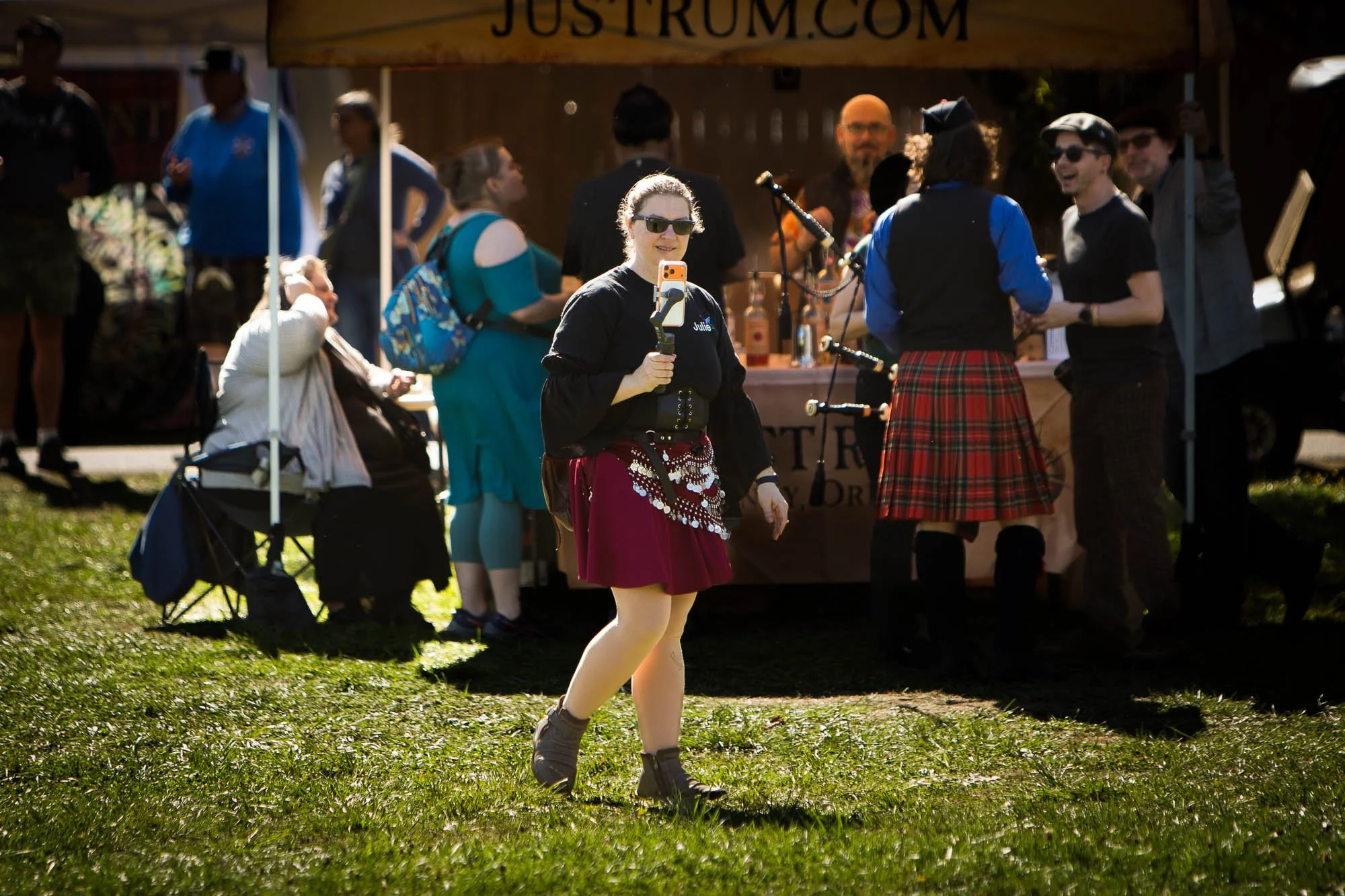
Julie recording with a vender stand behind her.
Modern smartphones are powerful video tools. To get good results:
Clean your lens before filming. Any dust on the lens could smudge the image.
Use the rear camera when possible. The rear lens is bigger, and will be able to capture more details. Often they have more settings to customize the experience to the user's liking.
Lock exposure and focus. After tweaking the focus, make sure to lock them in the best you can. Video can be very distracting if it goes in and out of focus.
Film vertically if posting to social media like Instagram and horizontally for YouTube or websites. The standard film ratio is 16:9 (Horizontal) or 9:16 (Vertical).
A simple phone tripod or clamp can dramatically improve stability and professionalism.
Lighting on a Budget
Lighting matters, it sets the tone and improves the visual quality of your shot.
Natural light is a great place to start on a budget. Film near a window or well lit room.
Face the light source rather than standing in front of it. The purpose is to light up your subject, not to blind the viewer. Try to avoid harsh overhead lighting when possible, however.
Ring lights or LED panels can fill shadows and add consistency. They are affordable, and popular with social media content creators.
Clear, Affordable Audio
Audio may be the most important part of video. If a video doesn’t sound good, it doesn’t matter what’s being shown- viewers will be turned away from it.
Use wired lavalier microphones. They can be found fairly cheap, and are good entry point microphones for those with limited budget.
Record in quiet spaces with minimal echo. Do a sound check to see how the audio was affected by the surroundings.
Soft furnishings help reduce reverb. Many creators use sound foam on their walls to reduce the impact of reverberations, but furniture can also work to reduce unwanted noise.
Good sound instantly elevates DIY videos, and will keep viewers attention better than a video with bad audio.
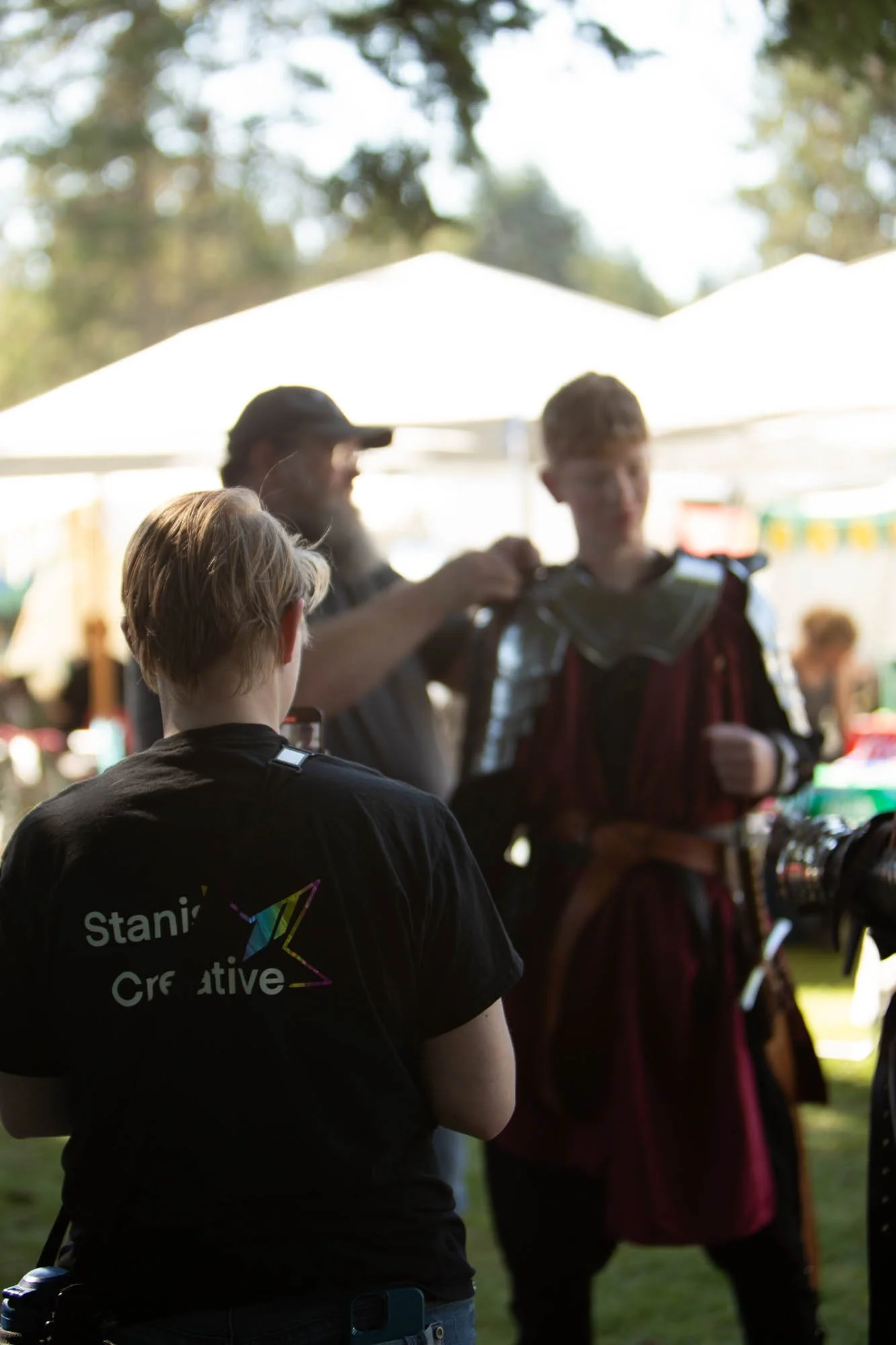
Liv looking at a Gilded Thistle member puting on armor.
Free or Affordable Editing Tools
Editing doesn’t have to be expensive or complicated. Many creators rely on:
DaVinci Resolve (Free): Powerful editing and color grading tools.
CapCut: Excellent for social media videos and captions.
iMovie: Simple, effective, and beginner-friendly. (IOS Only)
Focus on clean cuts, readable text, and consistent branding. Over-editing often hurts more than it helps. The last thing you want to do is confuse the audience.
Tips for Scripting
Keep Scripts Simple
You don’t need to memorize lines. Instead:
Write bullet points, not full scripts. It’s not easy to read from a script and keep a level of authenticity. To start out, using bullet points will be easier.
Focus on one idea per video. It helps to start out simple.
Have a strong hook in the first 2–3 seconds. Something to catch the viewers attention will keep them engaged.
You Don’t Need a Studio—Just Creativity and Consistency
DIY video marketing proves that compelling content isn’t about budgets. It’s about clarity and consistency. When you show up regularly, tell stories with intention, and improve a little with each video, your audience notices.
Start with what you have, learn as you go, and refine over time.
You don’t need a studio.
You don’t need expensive gear.
You just need creativity, and the commitment to keep going.