Edit to the Beat: Best Music Video Editing Software for Creators and Bands
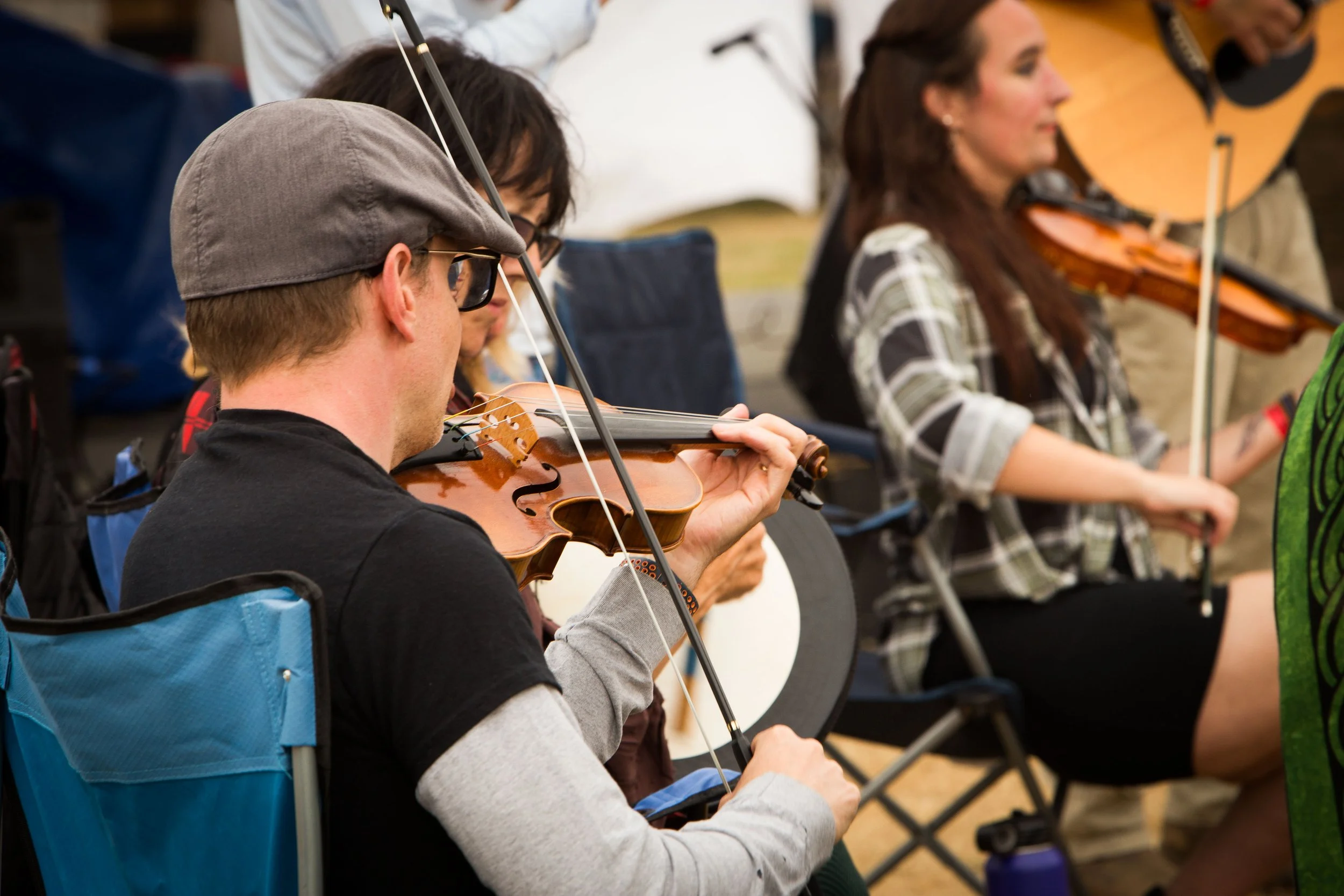
Jonathan playing on his violin.
Music videos live at the intersection between sound and image. Unlike narrative films, where visuals often lead and audio supports, music videos flip the hierarchy: the song is the center focus, and the edit must move with it. Great music video editing isn’t just about flashy cuts or heavy effects; it’s about rhythm. Pacing, timing, and sync are what turn a collection of shots into a visual performance.
Today, we’ll explore why rhythm matters so much in music video editing, what to look for in the right tools, which software excels at syncing and effects, and how to refine your workflow so your edits move in harmony with the music.
Why Pacing and Sync Matter
At its core, editing a music video is an act of interpretation. Every cut, transition, and visual beat responds to what the audience hears. When the pacing aligns with the song’s rhythm, the video feels effortless, almost inevitable. When it doesn’t, even the most beautiful shots can feel disconnected.
Pacing determines how energy flows through a video. Fast cuts can amplify intensity during a chorus or drop, while longer shots can let a verse breathe. Sync, meanwhile, is about precision. Cutting on the beat, matching movement to rhythm, or timing visual accents to musical hits creates a sense of cohesion that viewers may not consciously notice, but they definitely feel.
That said, perfect sync isn’t always the goal. Purposefully cutting off-beat can create tension, surprise, or emotional dissonance. The key is intention. Breaking rhythm works best when the editor understands the rhythm first.
Common mistakes often stem from ignoring the music’s structure. Overcutting during quiet sections, missing key transitions, or relying on effects instead of timing can all weaken the final piece. Strong music video edits respect the song’s internal logic and use visuals to reinforce it.
Top Software for Syncing, Effects, and Color Grading
Several tools have become staples in music video editing, each with its own strengths.
Adobe Premiere Pro is widely used for its flexibility and plugin support. Its audio tools, waveform visualization, and marker system make beat-based editing intuitive, especially when paired with third-party effects.
Final Cut Pro offers a magnetic timeline that can be surprisingly effective for rhythmic editing. Its performance optimization allows for smooth playback, which helps maintain editing flow.
DaVinci Resolve has become a powerhouse, combining editing, effects, and industry-leading color grading in one platform. For music videos that rely heavily on mood and visual tone, Resolve’s color tools are a major advantage.
After Effects isn’t an editor in the traditional sense, but it plays a critical role in music video production. Motion graphics, beat-driven animations, and synced visual effects often come to life here.
Some editors even prep tracks in Ableton Live or similar music software, creating beat maps or tempo references before importing them into their editing timeline. This hybrid approach can add another layer of rhythmic precision.
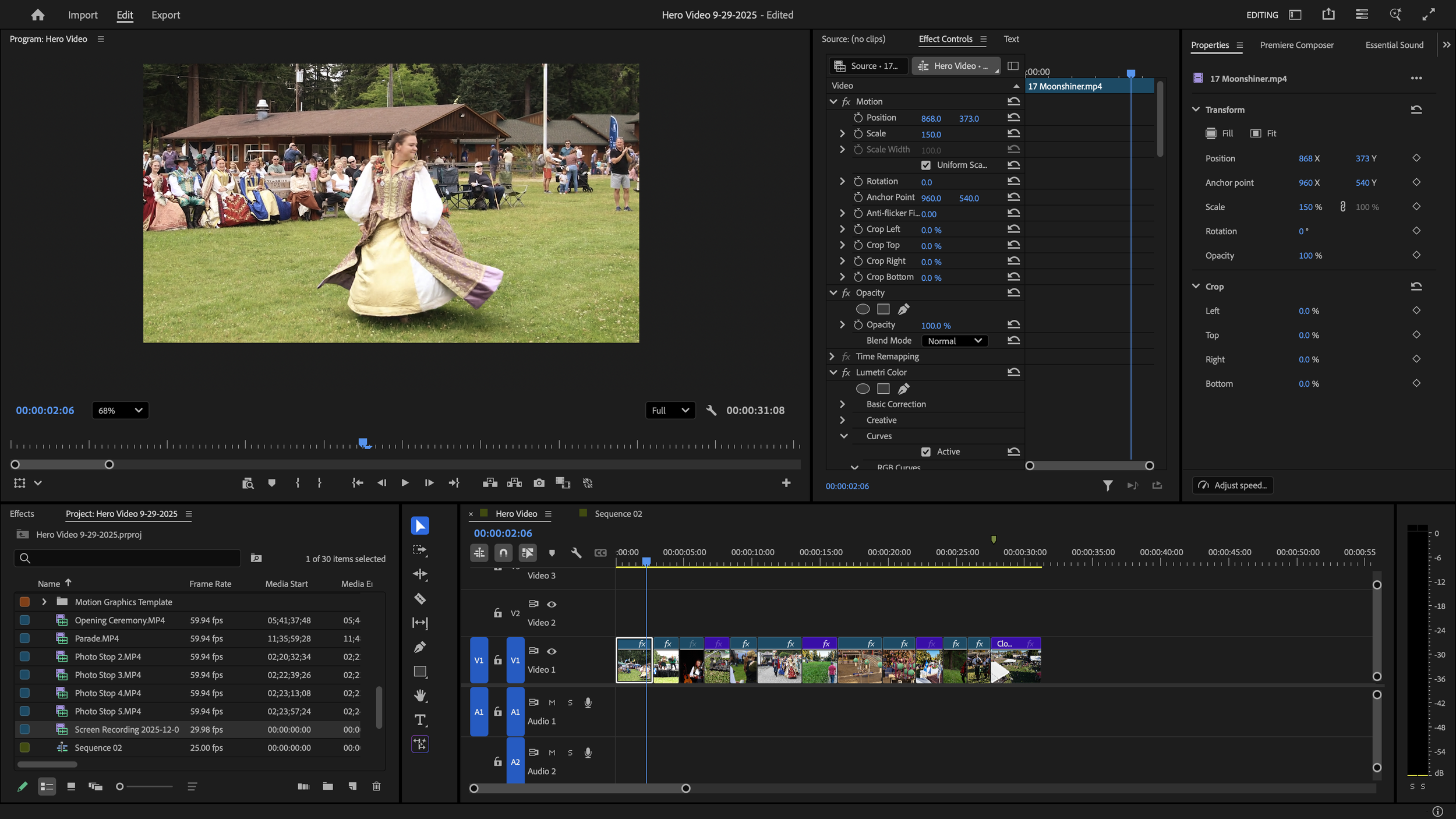
An example of the editing workspace in Premiere Pro.
Workflow Tips for Music Video Editors
A strong workflow helps translate musical rhythm into visual rhythm without getting lost in the details.
Start by breaking down the track. Identify tempo changes, verse-chorus transitions, drops, and accents. Many editors create a “rhythm map” using timeline markers before placing a single clip.
Edit in passes. First, build the structure roughly matching sections of the song to visuals. Next, refine pacing and sync. Finally, add effects, transitions, and color. This layered approach prevents you from overcommitting too early.
Markers, labels, and color-coding are invaluable. They turn your timeline into a visual representation of the song, making it easier to stay aligned with the music’s flow.
Perhaps most importantly, know when to simplify. Not every beat needs a cut, and not every section needs effects. Sometimes the strongest editorial choice is to let the music lead and trust the footage.
Matching the Tools to Your Creative Rhythm
There’s no single “best” tool for editing music videos, only the one that fits your creative rhythm. The right software should feel invisible, allowing you to respond instinctively to the music rather than fight the interface.
As you gain experience, you’ll develop a personal editing cadence: how you approach beats, how you build momentum, and how you break rhythm when it serves the story. Tools can support that process, but they can’t replace intuition.
In the end, great music video editing is less about technology and more about listening. When your cuts move with the song, and your tools move with you, the result feels alive.