Start Editing Like a Pro: The Best Beginner-Friendly Video Editing Software
Getting Started Doesn’t Have to Be Overwhelming
Beginning video editing is most effective when the tools and expectations are kept simple. Starting with free or low-cost software allows new editors to focus on core skills, such as cutting clips, arranging sequences, and adding basic text, without the distraction of complex interfaces.
Key Features Beginners Should Look For
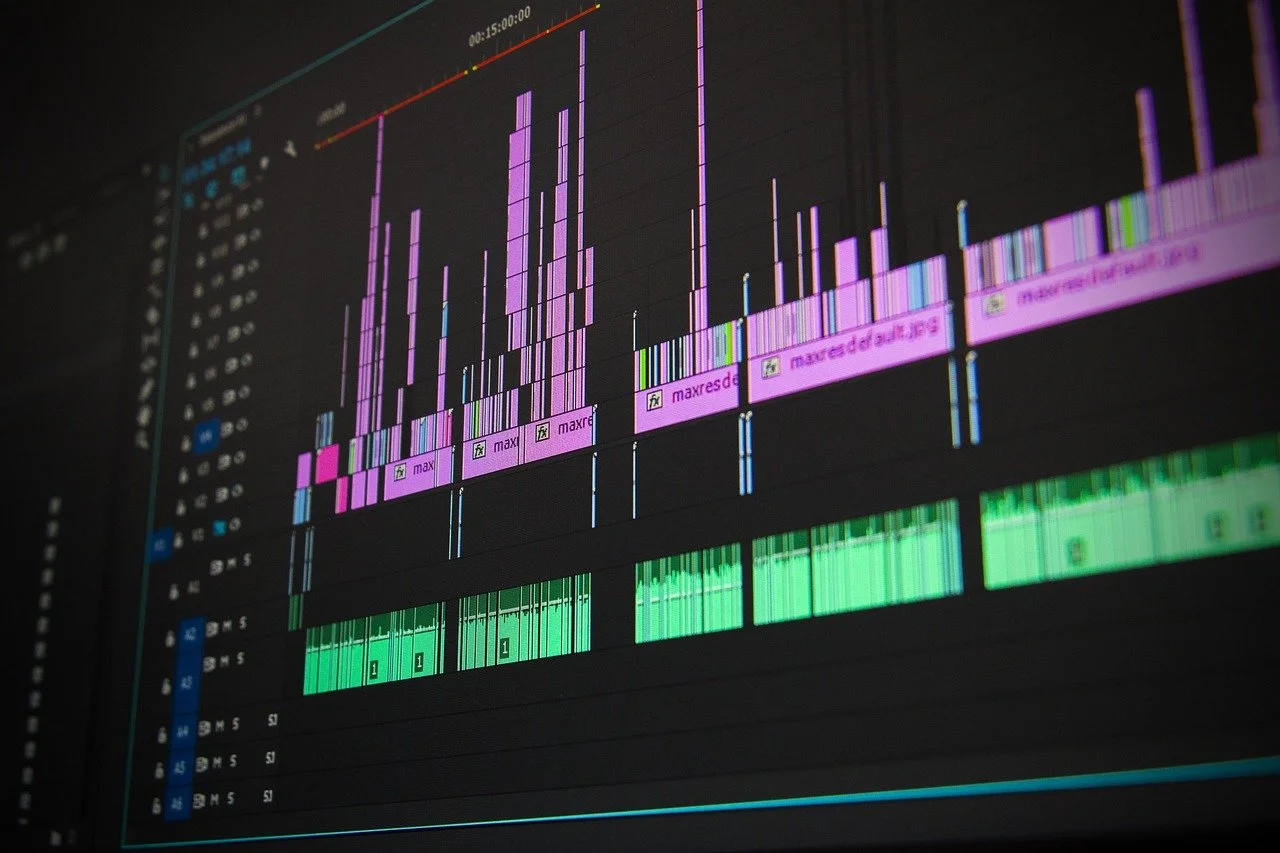
When selecting beginner-friendly video editing software, the following features are especially important:
An intuitive interface with drag-and-drop timelines
Basic trimming and cut tools
Simple text and title options
Built-in templates or presets
Access to tutorials and learning resources
These elements reduce cognitive load and allow creativity to guide the learning process rather than technical frustration.
Simple Editing Software Recommendations
iMovie
iMovie is an excellent starting point for Apple users. It supports themed trailers, personalized movies, filters, text titles, and basic speed adjustments. For example, Liv began editing with iMovie, using its templates and simple controls to learn how visual storytelling works without technical barriers.CapCut
CapCut is widely used for short-form and social media content. Its timeline-based editing, built-in effects, and mobile-first design make it approachable for beginners who want quick results. Many social media platforms also include basic editing tools directly within their apps, offering another low-pressure entry point.Adobe Premiere Rush
Premiere Rush provides a simplified version of professional Adobe workflows, making it a useful bridge between beginner tools and more advanced software.DaVinci Resolve
While more powerful, DaVinci Resolve includes a dedicated “Cut” page designed for faster, beginner-friendly editing and can be explored gradually as skills grow.
Learning Resources and Practice Strategies
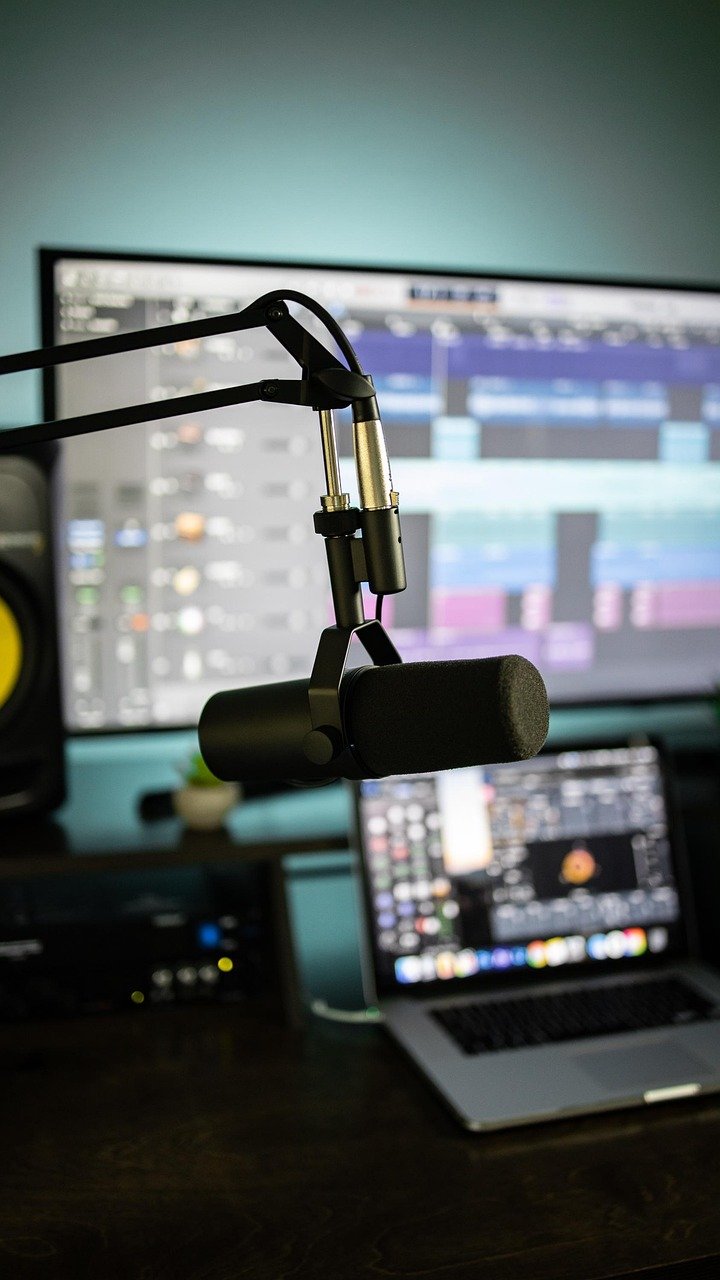
Starting with very short projects (even a 15-second video) helps reduce the overwhelm that can happen when producing a video. Planning with a simple storyboard can further ease the process by clarifying camera angles and shot order before editing begins. Some beginner practice ideas include:
Filming a morning routine montage
Creating a short video introducing personal interests
Recording yourself trying out a new activity
These low-stakes projects emphasize experimentation and repetition, both of which are critical for skill development. Don’t be afraid to dig deeper into some of the tools! Messing around with settings can be very useful for developing a better understanding of different software.
Conclusion
If you are new to video editing, avoid overthinking the process. Begin with beginner-friendly software and straightforward techniques that allow creativity to flow. Start small, practice often, and build confidence step by step. With consistent use of accessible tools and clear learning goals, professional-quality editing skills can develop over time. Keep at it, and don’t be afraid to play around with the program!