Accessible Video Made Simple: How to Reach Viewers Using Inclusive Content
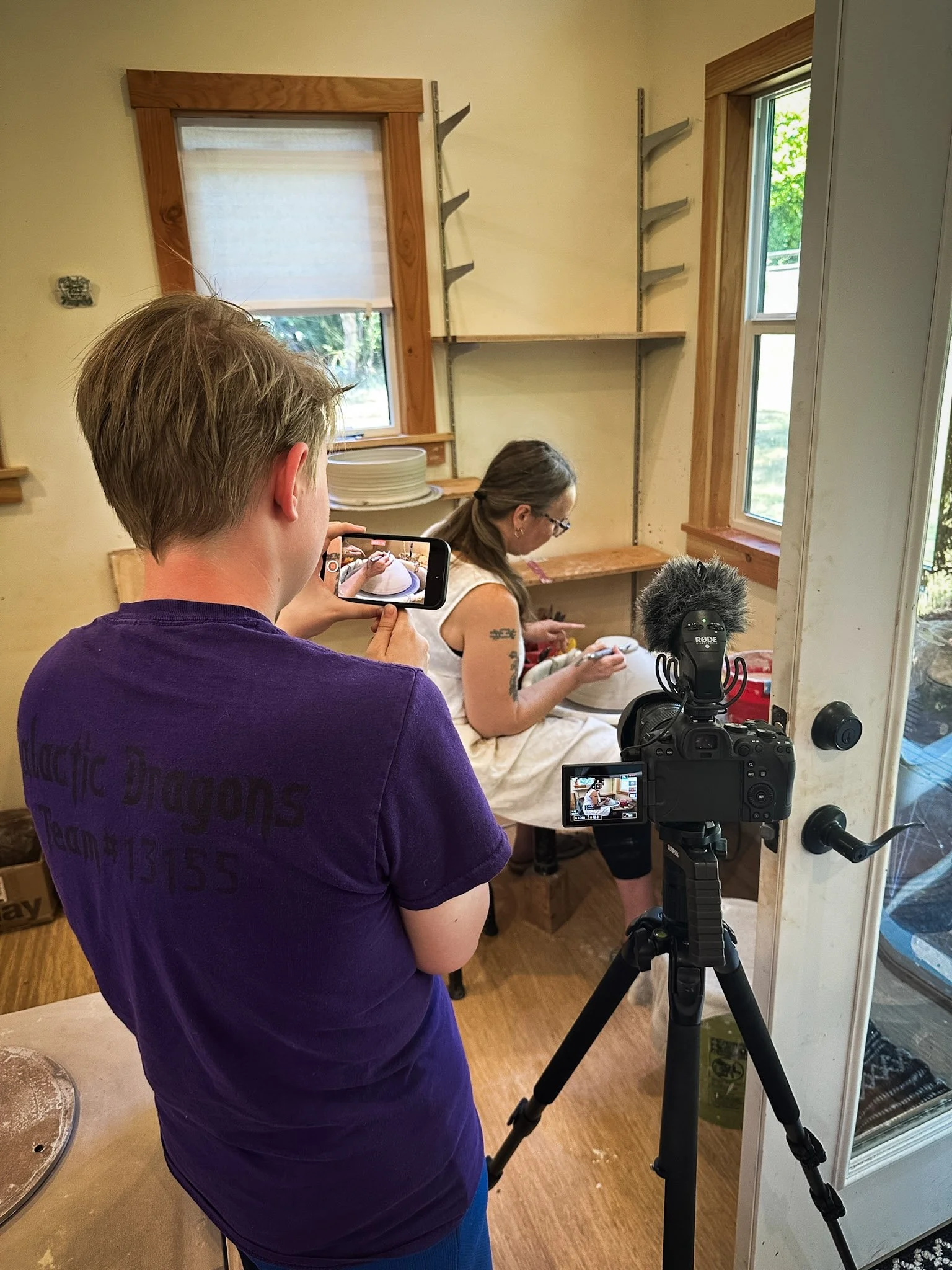
Accessible video is an essential part of inclusive storytelling. Every viewer brings different needs, preferences, and contexts to the content they consume. By designing videos that can be understood, navigated, and enjoyed by the widest possible audience, creators not only meet accessibility standards but also improve clarity, reach, and overall storytelling effectiveness.
Why Accessibility Matters
Expanding Audience Reach
Accessible video content allows you to reach more people. Captions support viewers who are Deaf or hard of hearing, non-native speakers, and those watching in sound-sensitive environments. Consider how much time you spend on social media apps like Instagram or TikTok with your sound off, watching videos by reading the captions. Transcripts and clear visual design help viewers with cognitive, auditory, or visual processing differences. Together, these features ensure content is usable across devices, environments, and abilities.
SEO and Discoverability
Search engines cannot “watch” videos, but they can index text. Captions and transcripts improve search visibility by providing searchable, indexable content. Accessible videos are more likely to appear in search results, increasing reach without additional marketing spend.
Captions

Totoro getting knighted at The Realms Unknown. Captions are added to the video to communicate hard-to-hear dialogue.
One of the most common and impactful accessibility practices is adding captions. While many platforms, such as YouTube, offer automatic captions, these are often inaccurate and can misrepresent names, technical terms, or meaning. Errors in captions reduce trust and can significantly affect comprehension.
Best practices for captions include:
Editing auto-generated captions for accuracy
Including speaker identification when relevant (Example: Mark: “Hello everyone!” Jake: “What’s up?”)
Capturing meaningful sound cues (e.g., music, laughter, tone changes)
Synchronizing captions precisely with spoken audio
Accurate captions benefit far more than their primary audience. They support comprehension and allow viewers to engage with content in flexible ways based on their preferences.
Transcripts and Audio Descriptions
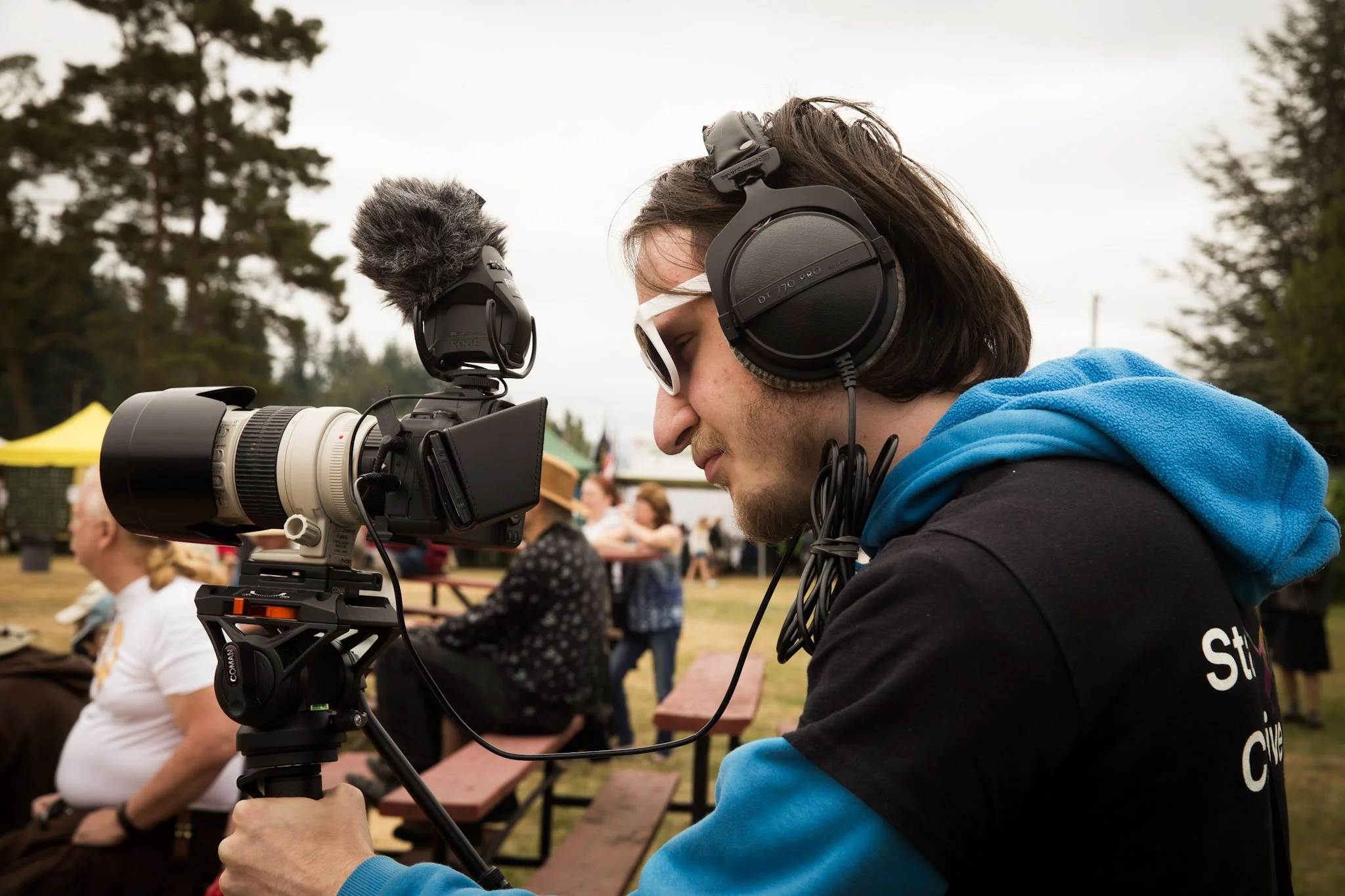
Transcripts
Providing a full transcript gives viewers an alternative way to access video content. Transcripts are especially helpful for users who rely on screen readers, those who prefer reading to watching, and anyone needing to quickly scan or reference information.
An effective transcript includes:
All spoken dialogue
Relevant sound effects or music cues
Clear formatting and logical structure
Audio Descriptions
Audio descriptions provide narrated explanations of important visual information that is not conveyed through dialogue alone. This includes actions, on-screen text, scene changes, or visual humor. Audio descriptions are essential for viewers who are blind or have low vision and can be delivered as a separate audio track or integrated narration.
Inclusive Visual Design and Pacing
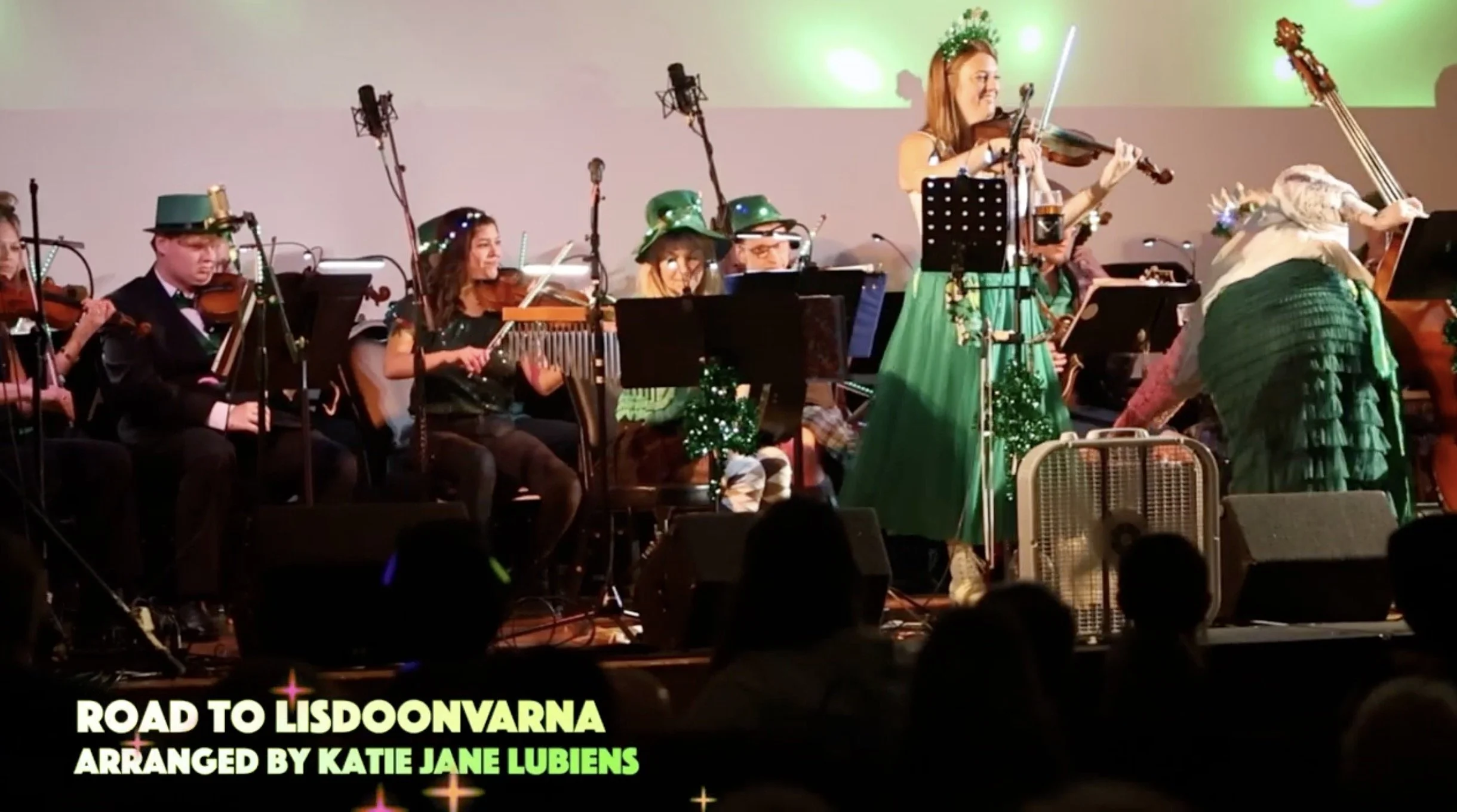
The graphics in the lower-right corner are set against a dark background to achieve strong contrast and ensure legibility.
Accessibility extends beyond text alternatives. Visual design and pacing play a critical role in a video's accessibility.
Key considerations include:
High color contrast between text and backgrounds
Legible font sizes and simple typography
Avoiding flashing or rapidly changing visuals
Allowing sufficient time for on-screen text to be read
Clear visual hierarchy and uncluttered layouts
Thoughtful pacing improves comprehension for all viewers, particularly those with cognitive or processing differences.
Accessibility Tools for Editors and Creators
Many tools now support accessible video production at various stages of the workflow. Examples include:
Caption editors and validators
Automated transcription services with manual editing capabilities
Accessibility checkers built into video platforms and content management systems
Screen reader testing tools and contrast analyzers
Using these tools early and consistently helps normalize accessibility as part of the creative process rather than a last-minute fix.
Accessibility Is Good Storytelling
Accessible video benefits everyone! Captions, transcripts, audio descriptions, and inclusive design practices improve clarity, engagement, and reach while reinforcing ethical and professional standards.
Accessible video is not optional. It is good storytelling.
When creators design with inclusion in mind, they tell clearer stories, reach broader audiences, and create content that works better for everyone.