4 Best Free Video Production Tools for Creators on a Budget
Great Video Doesn’t Have to Cost a Fortune
For a long time, high-quality video production felt locked behind expensive software and steep learning curves. The good news? That’s no longer true! Today, some of the most powerful video tools on the market are completely free, and good enough to produce professional-looking results.
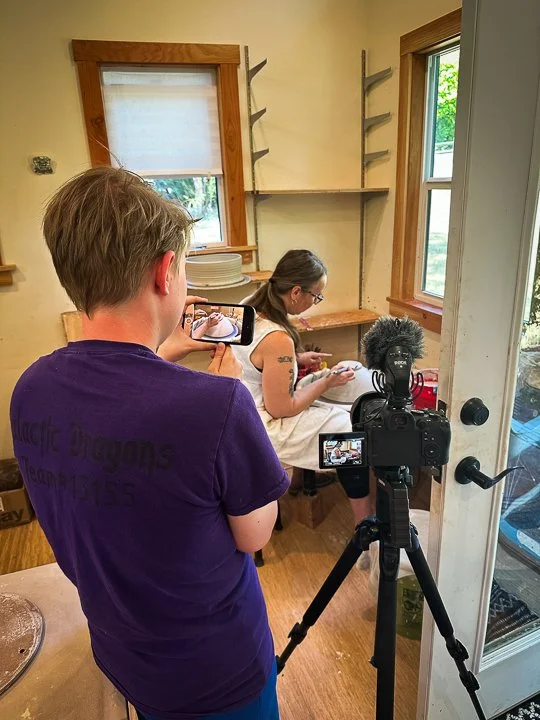
Liv recording using an iPhone camera next to a tripod.
Whether you’re a beginner YouTuber, a small business owner, or a creative just getting started, free software can take you surprisingly far. In this post, we’ll explore top free tools for video editing, color grading, and motion graphics, compare their features and usability, and share practical tips to help beginners get the most out of them.
Top Free Video Tools For Aspiring Filmmakers!
DaVinci Resolve - A professional-grade editor best known for its advanced color grading. It also includes strong editing, audio, and motion graphics tools. The learning curve is steeper, but the results can rival paid software.
iMovie - Ideal for beginners on Mac. iMovie offers a clean interface, simple editing tools, and built-in templates for quick, polished videos.
CapCut - A great tool for mobile users. Access a simple drag-and-drop interface with this software. It can be a bit finicky, but it’s a great tool to get things done quickly.
Pixabay - A good resource for royalty-free videos, images, music, and sound effects. It’s a great way to boost production value without needing to record everything yourself.
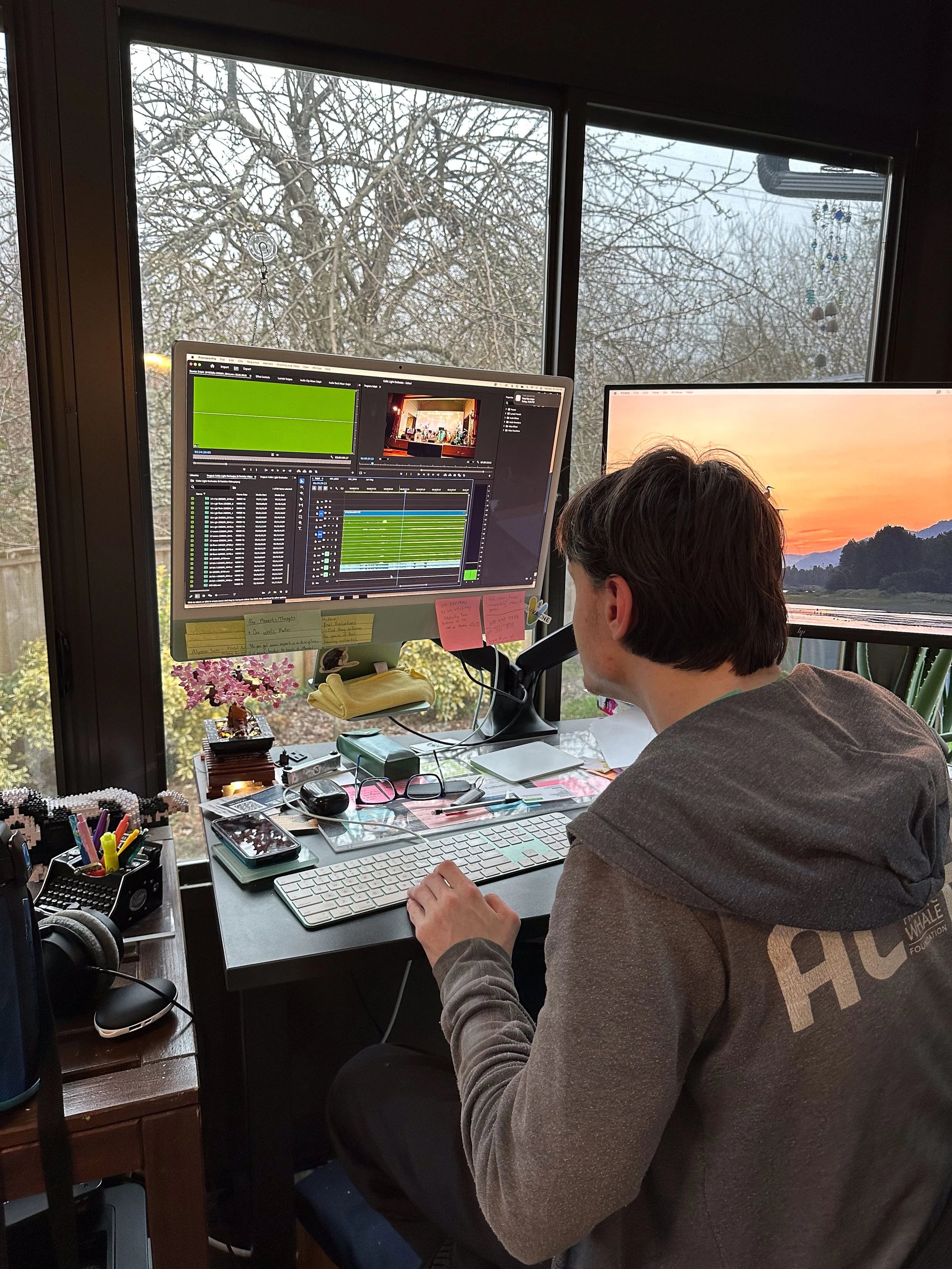
Taylor working in premiere pro.
Tips for Beginners
Focus on clean cuts and clear audio
Use built-in presets and templates
Learn basic color correction
Combine tools (edit in Resolve or iMovie, enhance with Pixabay)
Conclusion
Professional-looking video is achievable without going over budget. By learning free tools like DaVinci Resolve and iMovie, creators can produce high-quality content using skill and creativity instead of being limited by budget.