Drone Mapping A Renissance Faire
There’s nothing like Washington State in February. It’s cold. It’s wet. It’s dark. So, of course, it makes sense to have a work party to map out a Renaissance faire.
Mapping out your event is critical for identifying what space you are working with, where you are going to put things, and how it is going to look. You can take a satellite image to get a general idea, and there are applications and devices that will support this task, but satellite images are outdated, and mapping tools only give you a rough shape. You need something that is higher resolution, that is accurate to the time, and that shows you the real terrain. There may be a few ways to do this, but the way we do it is with a drone.
Send in the Drones
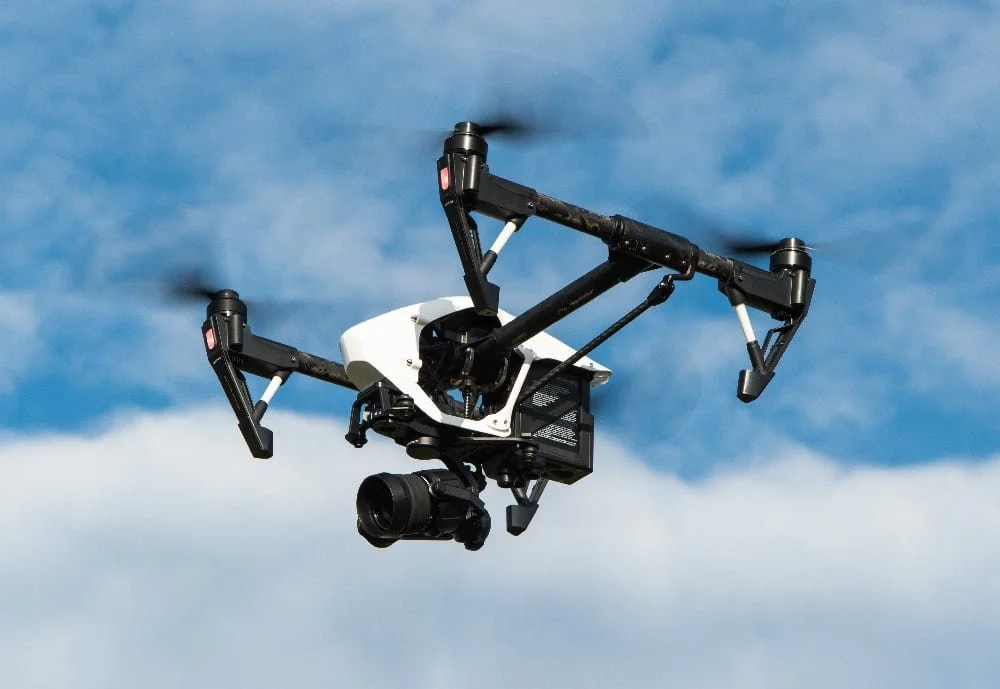
Image Courtesy of Powie via PixaBay
Drones have really changed the mapping environment. Before, what has the realm on airplanes, helicopters, and maybe a hot air balloon, is now done much cheaper and accurately with even relatively simple dreams.
We were called upon to develop the map area for the Cascadia Renaissance Faire. This is taking place in Randle, WA, at the Calowitz camping site. It’s a cute little peninsula separated from the surrounding pastures by a grove of trees. We wanted to capture the areas that would be transformed into a Celtic experience with Highland Games, jousting, clan tents, the royal court of Mary, Queen of Scots, and some fay elements (Mermaids, etc.)
Mapping with a drone is a systematic process. You don’t take one picture from way high up, at least not if you want high resolution, and not to mention that the FAA restricts the height of drone flight to 400 feet AGL (Above Ground Level). So mapping is a routine of taking a picture every few feet. Thankfully, there is automation built to make this process easier. More advanced drones have full-on automated mapping. Even if you have a simpler drone, utilizing the time-lapse functionality will fix the problem of hitting the photo button on a regular basis.
We picked a location near one of the entrances to the peninsula and started regular flyovers. Ensuring that the photos were overlapping, we covered the entire area from about 200 feet, and then did a higher scan at 300 feet to help fill in any gaps and make more reference points. This took three batteries’ worth of energy, which we thankfully keep plenty of batteries in stock. The end result was a couple of thousand photos that mostly looked the same. Trees. Dirt. Mud tracks. The river’s edge. Some pink spray paint was used to mark out locations of events.
Building the map
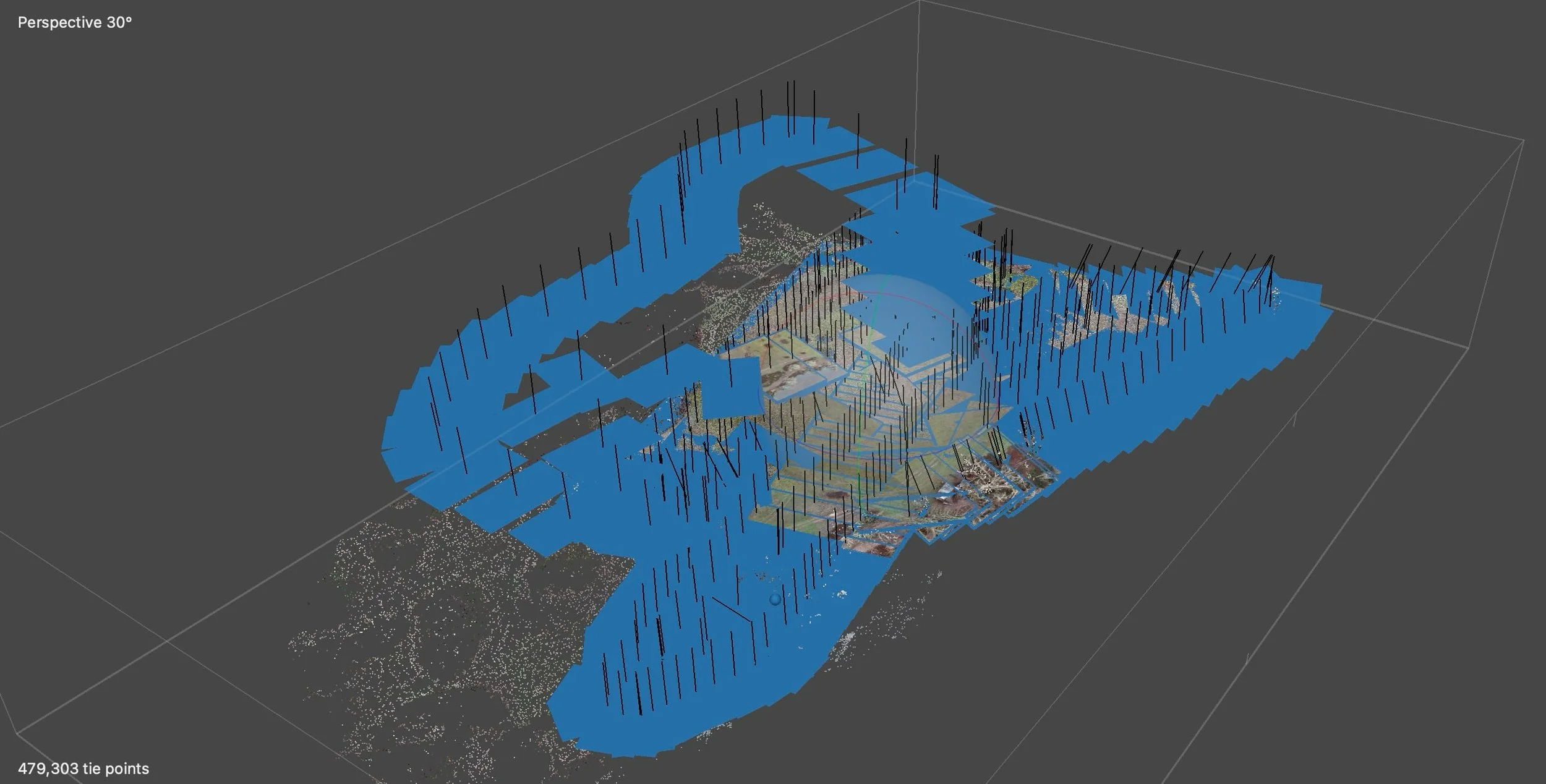
A visual of all the photos we took mapping out the area.
I know now much fun it sounds to match up thousands of images by hand. I know I was looking forward to it. Unfortunately for me, we don’t have that kind of time. Instead, we turned to an application specifically designed to combine large amounts of photos into a single map.
1. OpenDroneMAP
OpenDroneMap is an open-source program that is free to use if you know how to use a command line (they are not that scary). Putting together a few different configurations in the command line based on the directory of saved files will have the program do its magic. It does take a fare amount of time to do all that matching, but if you have enough images with enough overlap, it will give you a very large merged file, and even a 3D terrain. Unfortunately, for us there was an issue with a large section of the map that Open Maps did not agree with. About half of the map appeared to have fallen off a very steep cliff.
2. MetaShape
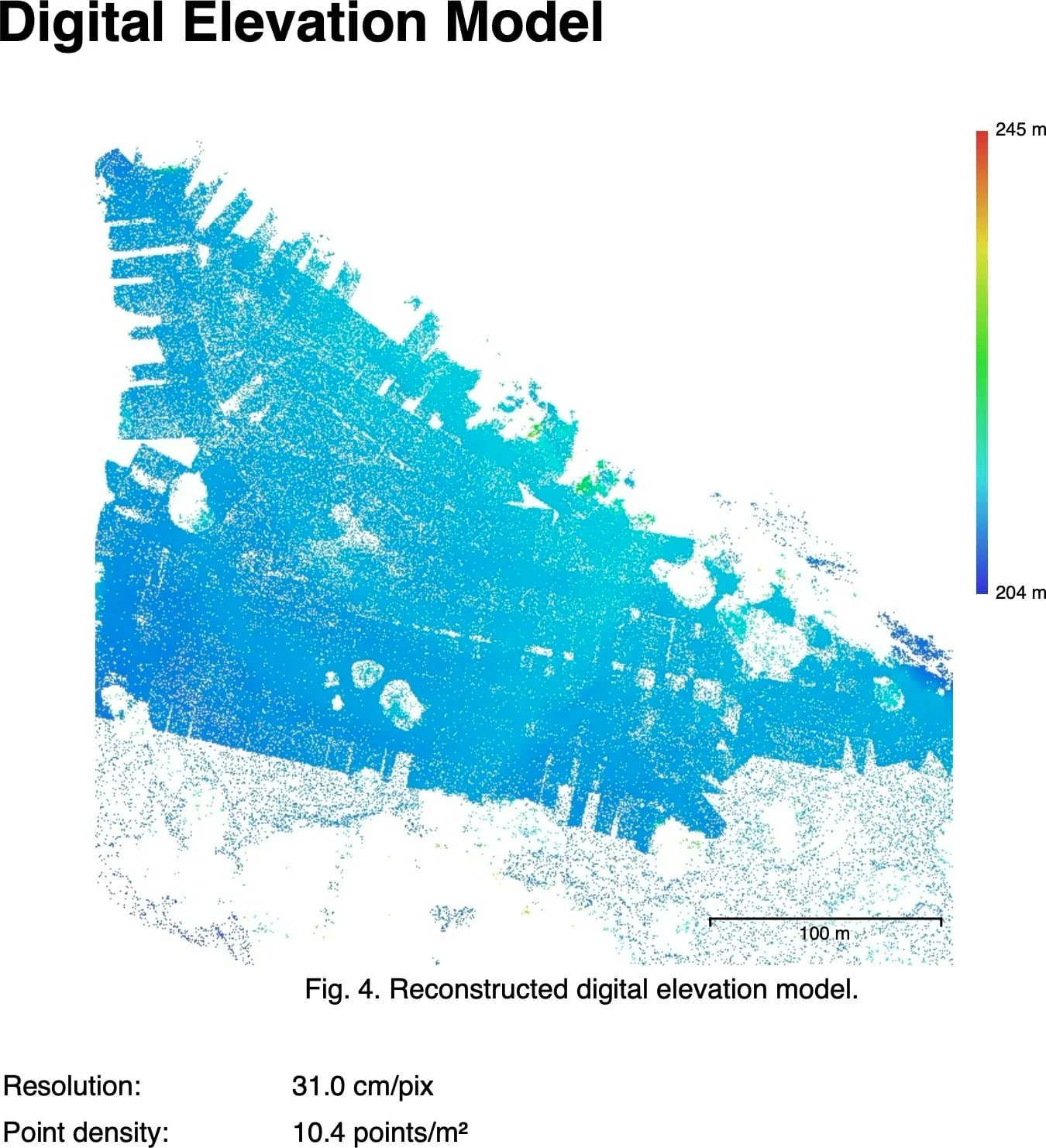
A digital elevation model of our landscape.
Bring in the proprietary platform. While not having the cost advantage, MetaShape platform did give us another shot of bringing our images together with their syncing algorithm. Luckily for us, this one came out with a wonderful, high-resolution image, terrain map, and even a fun 3D map of where our done had flown while mapping. For those who regularly do mapping, this software is worth its steep price.
The result was a beautiful, high-resolution image, which our team printed out to start laying out where all the booths, events, and pathways would go. Additionally, the software outputs elevation maps, drone photo locations, and survey data. This gives us the confidence in what we have to provide a well-organized Renaissance fair.
In a few months, we will return, as there is much work being done to improve the property (clearing brush and leveling the clearing). This will give us the opportunity to re-map the area to provide an even more accurate layout of the grounds. Hopefully, it will be a bit drier.