Creating Effective Collaboration with a Google Form
The start of our scouting form for FIRST robotics.
To Begin
How often would you say that you use a Google Form? Was that just answering questions and submitting the form, or did you create one and send it to be answered? Well, I’ve been doing that a lot recently, creating and sending out to be responded to (mostly by me).
Here is my journey through making a Google Form, collecting the data, and making sense of it all.
The Context
Stanis Creative is working with the Skynet Robotics team as mentors. We work with the Marketing team mainly, but we have recently found another area we could support.
Scouting during a FIRST robotics tournament is a role that asks team members to watch other team’s robots during a match. Then, members record data about how they performed. This data would then be used to pick the teams we wanted to ally with if we became team captain, or what strategies our robot could use to get the best results in the qualifiers.
The Problem
Only 8 teams can become team captains, and with 35+ teams at each event, it’s unlikely we’ll be team captains. So we needed to change the goal of scouting. The goal now is to collect information on the other robots so we could effectively work with our allied teams to get more points than the other alliance.
The program we were using to record the scouting data was a bit confusing, and we felt it wasn’t capturing the data we needed, so we pivoted to a Google form. With that, we could collect data easily and quickly. We could also import the data into a Google Sheet to sort through.
The First Step
To get started, we made a rudimentary form with some data points we thought we would need. We talked with our drive team coach and asked what information he thought they would require most. He wanted data on what robots scored well, how well other robots did in defending against the high score robots, and what they did to defend, among other things.
We took those criteria and changed the questions on the form. Then we did some test runs with the form, going over the recorded matches at the Willsonville event. From there, we generated new questions for the form.
Through a lot of trial and error, where the amount of questions, the types of questions, and the format of questions changed from version to version, we had a finalized version.
The Final Form
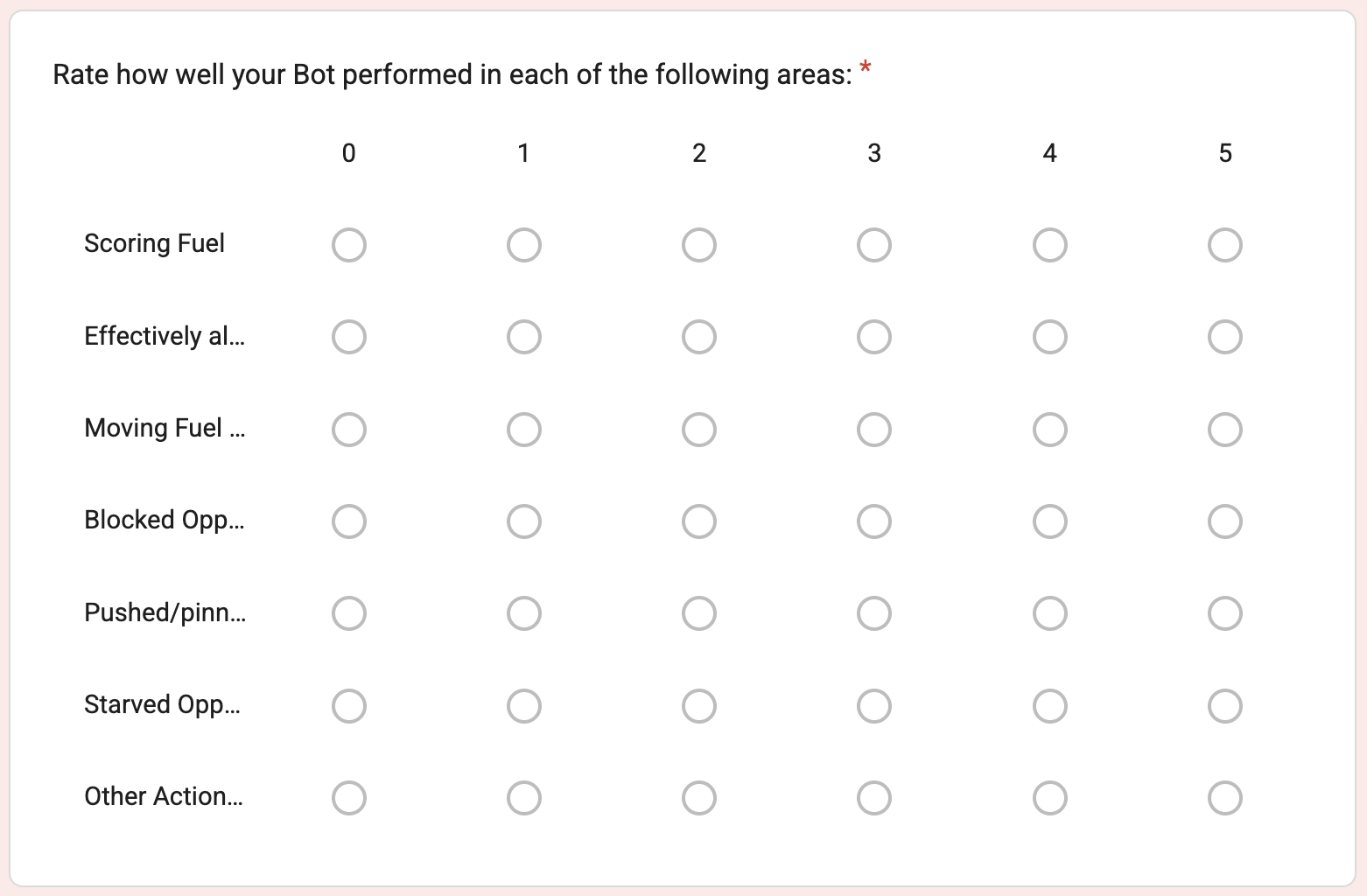
An image of part of our form, that asks the user how well their robot performed from 0 to 5.
In the final form, we would ask the respondent to rank how well the robot they were watching did in each specific field. We then asked them to rank how well opponent robots obstructed their bots’ efforts in a few areas.
We linked this form to a Google Sheet to collect and sort the data. We would use what we gathered to recommend to our drive team coach of some strategies they could deploy during a match.
We used it during the Clackamas Academy Event!