All-in-One Creativity: The Best Software for Both Photo and Video Editing
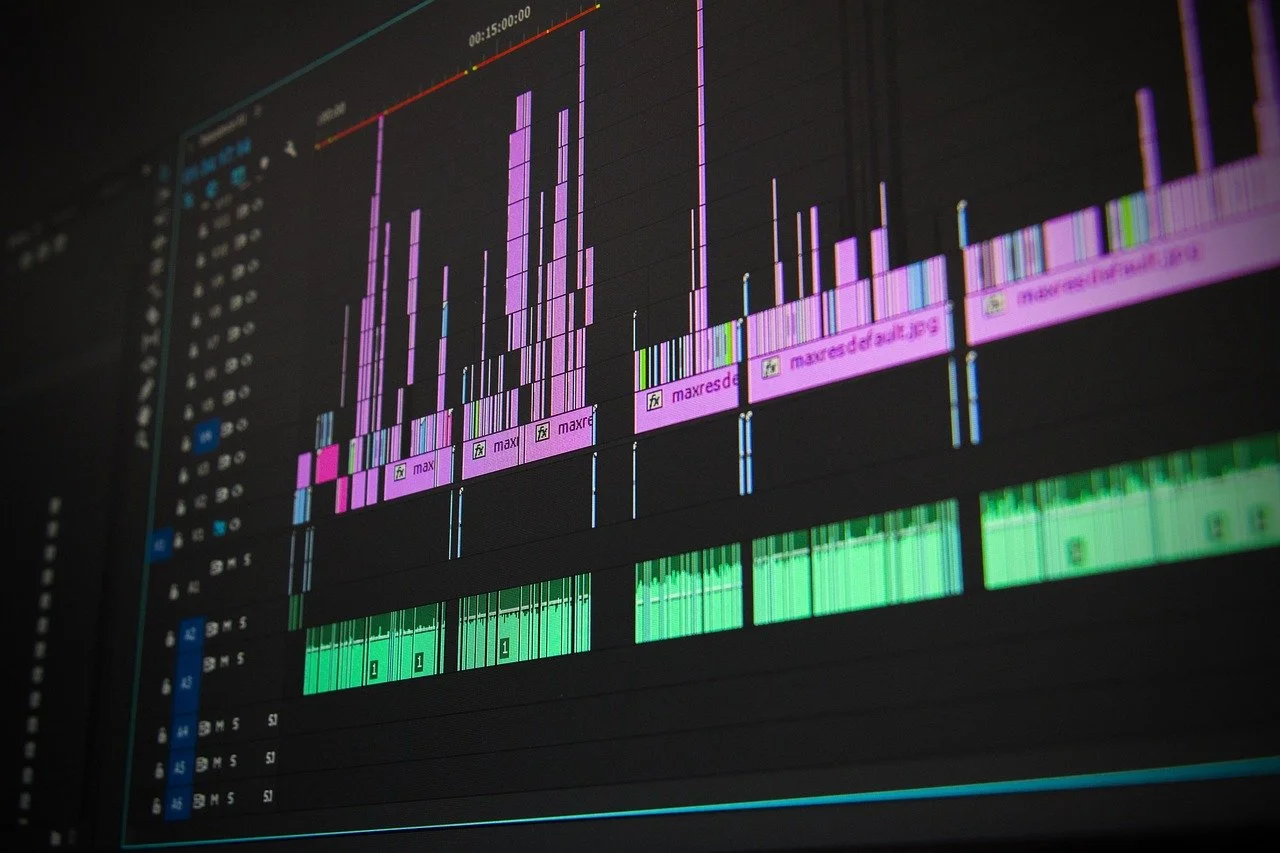
A image of a video editing software.
Bringing Photo and Video Together
Modern creators are rarely working in just one medium. Social media, websites, and brand campaigns increasingly require cohesive visual storytelling that blends photography, video, graphics, and text. Using separate tools for each task can fragment workflows and introduce inconsistencies in color, style, and pacing. All-in-one creative software addresses this challenge by allowing creators to edit, refine, and publish content from a single ecosystem.¹
Why Combined Tools Matter for Creators
Software that supports both photo and video editing enables:
Visual consistency across platforms
Faster production workflows
Easier brand management (fonts, colors, presets)
Creative flexibility for short-form, long-form, and mixed media
For creators building personal brands or managing client content, these advantages translate directly into efficiency and higher-quality output.²
Leading All-in-One Creative Platforms
Adobe Creative Cloud
Adobe’s ecosystem integrates photo editing (Photoshop, Lightroom) with video editing (Premiere Pro, After Effects). Shared libraries, color management, and cloud syncing make it a strong choice for professional and advanced creators who need full creative control.Canva
Canva offers a highly accessible solution for creators producing both images and videos, particularly for social media and marketing. Its templates, brand kits, and drag-and-drop tools make cohesive design achievable without advanced technical expertise.DaVinci Resolve
Known for industry-leading color grading, DaVinci Resolve also supports photo-style still exports and graphic workflows within video projects. It is well suited for creators prioritizing cinematic visuals and consistent color across media.Affinity
Affinity’s tools provide a cost-effective alternative to subscription software, supporting high-quality photo editing and design workflows that integrate well with video production pipelines.
Comparing All-in-One Solutions
Platform - Photo Editing - Video Editing - Best For
Adobe Creative Cloud - Advanced - Advanced - Professional, multi-disciplinary creators
Canva - Basic– Intermediate Basic– Intermediate Social media, branding, teams
DaVinci Resolve - Limited - Advanced - Video-first creators, color-critical work
Affinity - Advanced - External integration - Budget-conscious creatives
Conclusion
The most effective creative tools are those that simplify without limiting. By choosing software that supports both photo and video editing, creators can streamline workflows, maintain visual consistency, and focus more energy on storytelling. All-in-one platforms make it easier to move from concept to publication while preserving creative flexibility—an essential advantage in today’s content-driven landscape.